pdfFiller is a comprehensive tool for managing your PDF documents, allowing a multitude of features to edit, convert, reduce file size, and electronically sign your PDF files.
Compress a pdf
One of the little-known benefits of this tool is its ability to reduce the size of a PDF file in a simple and fast way, which is ideal for sending large files online.
The completely cloud-based aspect of pdfFiller eliminates the need to download additional software, making the process even more convenient.
Rates are billed annually and a 30-day free trial is available.
How do I reduce the file size of a PDF with pdfFiller?
For example:
Open pdfFiller and download the file you want to compress.
Go to the “Compress PDF” option in the menu.
Choose the desired level of weight reduction and click “Compress.”
Once the weight reduction is complete, download your new zipped file.
Try pdfFiller Today and find out how it can simplify the management of your PDF documents.
pdfFiller not only excels at compressing a pdf but also offers a range of features that make it easy to manage your PDF documents.
With affordable pricing and a cloud-based approach, it's definitely a tool worth considering for anyone looking to reduce size while having access to other useful features.
Ashampoo PDF Pro 3 is positioned as a robust solution for creating, editing, and converting your PDF files.
Compress a pdf
It facilitates the layout of documents, ensuring that they are pleasant to read on all devices.
Whether it's reorganizing pages, adding content from other PDF documents, or securing your files via strong encryption, Ashampoo® PDF Pro 3 is designed to make these tasks intuitive and hassle-free.
Features
Creating and editing interactive forms
Comparing two PDF files side by side
Snapshot function to capture and reuse sections
Automatic repair of errors in the document
128-bit AES encryption to protect your PDF files
Quartz filter
Pricing
Single price : €70 for three installations for non-commercial use
Free trial version available to test features
Per-installation license required for commercial use
How do I reduce the file size of a PDF with Ashampoo PDF Pro?
For example:
Open Ashampoo® PDF Pro 3 and import the file you want to compress.
Go to the “Optimize” tab in the menu.
Select the desired level of weight reduction and click “Apply.”
With an affordable price and a range of useful features, Ashampoo PDF Pro 3 is a reliable companion for anyone looking to reduce the size of their PDF files and much more.
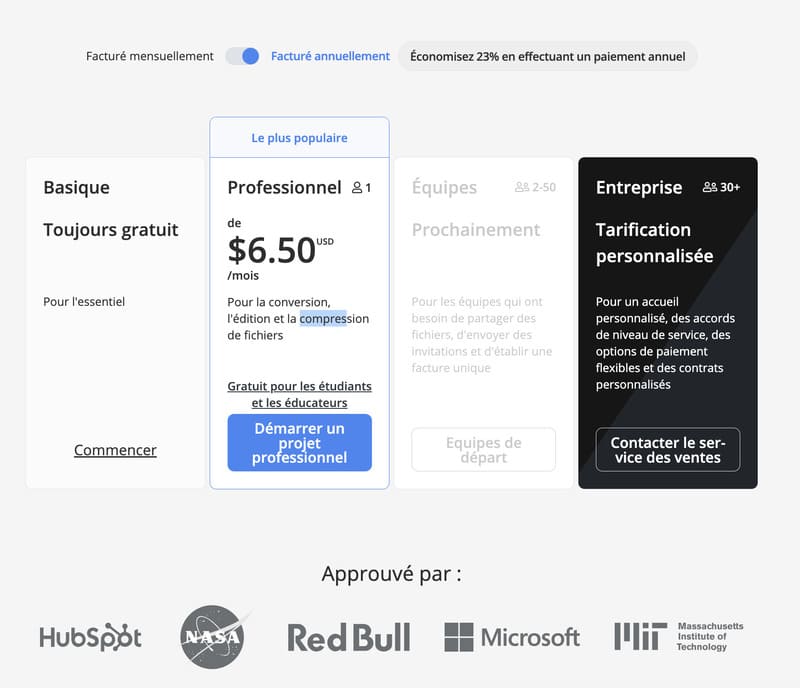
Free Plan : Basic features, 15MB file size limit, Add a watermark to outgoing files.
Premium Plan : $6 per month, Includes PDF conversion, unlocking, and electronic signature, Processes files up to 1GB, Outgoing files without watermarks.
Business Plan : Custom pricing, advanced features like team management, API access, and brand customization.
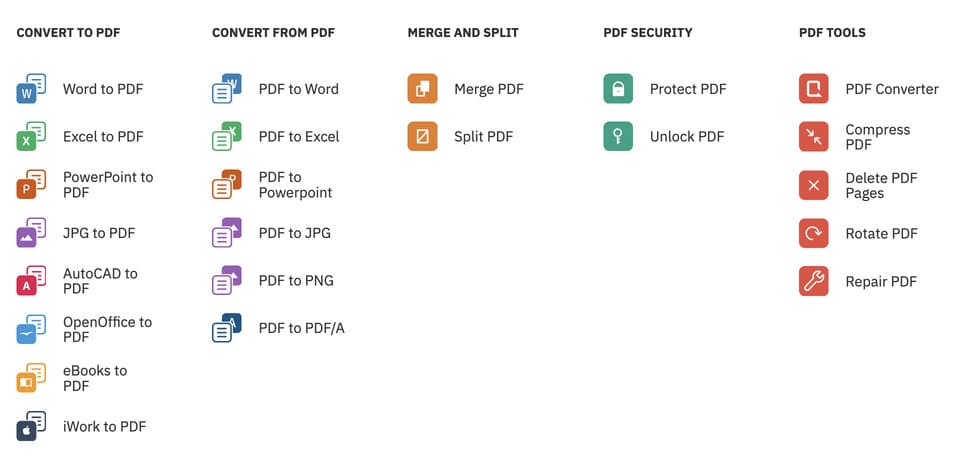
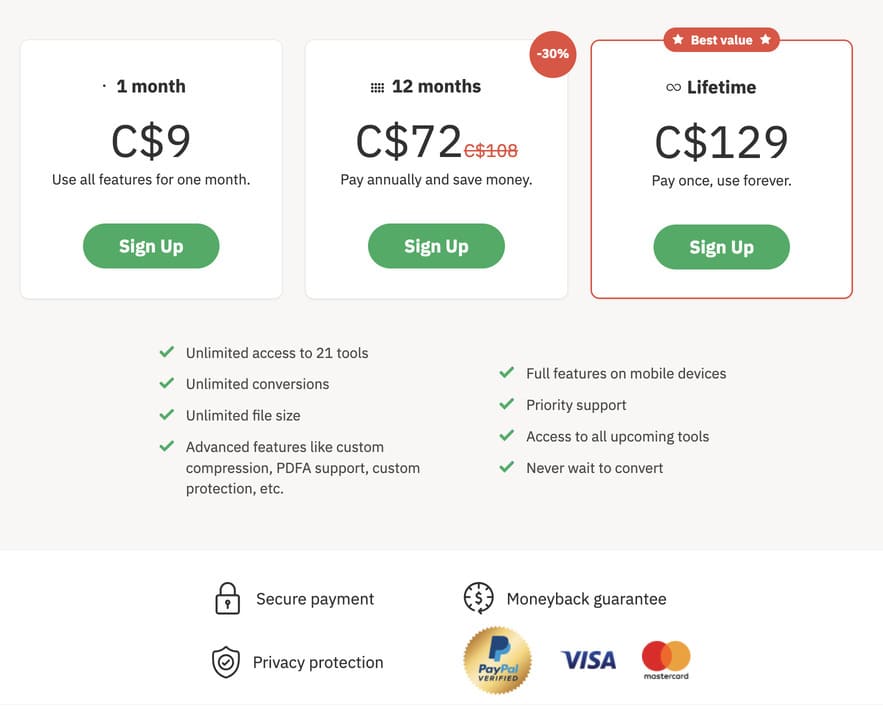
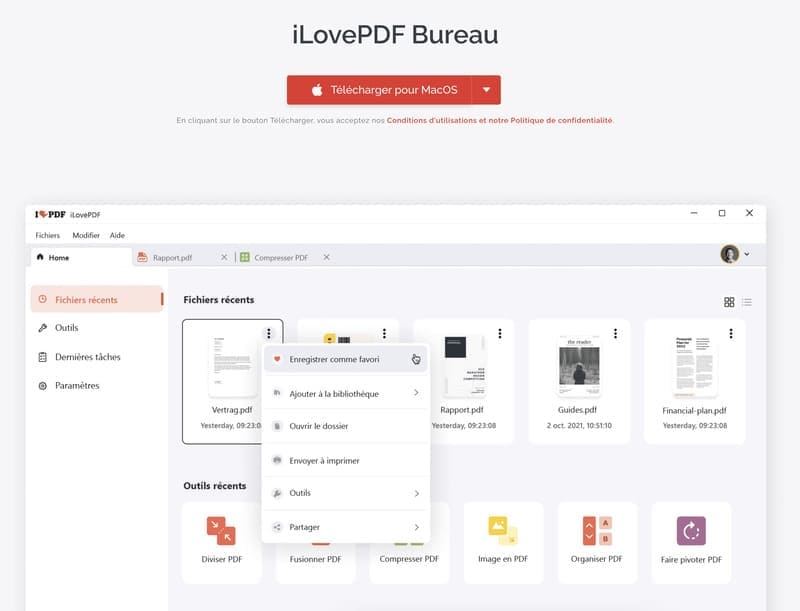
iLovePDF Desktop : Free PDF reader for basic or Premium use at $72CAD/year for a maximized experience with all tools and unlimited document processing.
How do I reduce the size of a PDF file with iLovePDF?
For example:
Reducing the size of a file with iLovePDF
Reducing the size of a file with iLovePDF
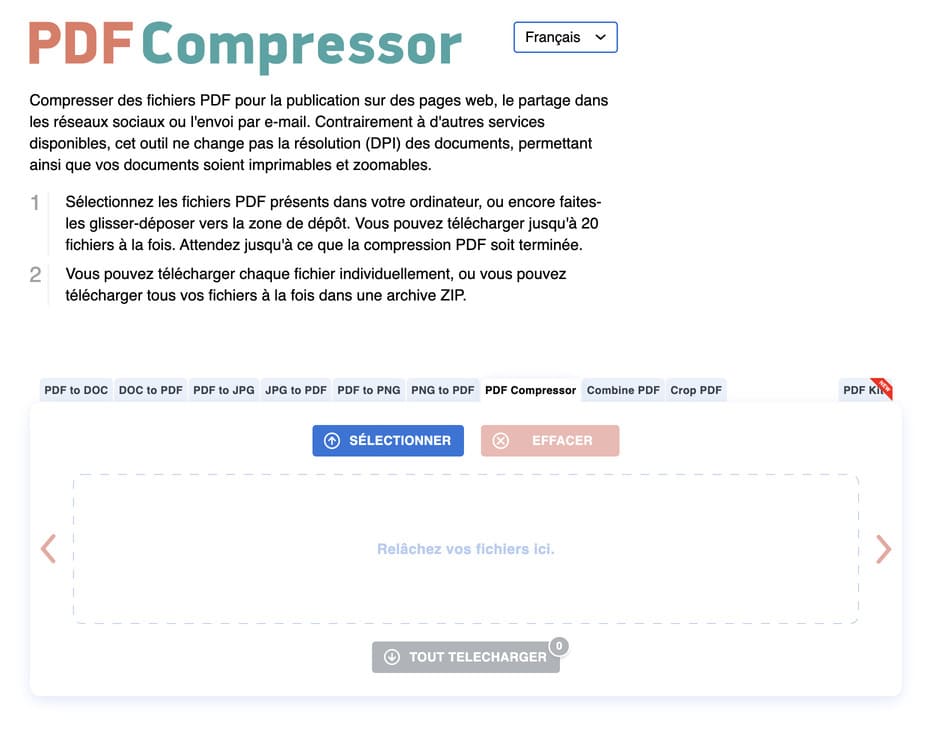
Upload files from your system or drag and drop them directly into the tool.
Choose the file size compression method according to your needs: Less compression: high quality, subtle compression Recommended compression: decent quality, good compression High compression: high compression of file size, lower quality
Once compressed, download and save your PDF file in the folder of your choice.
Try iLovePDF and explore a range of features for your files.
iLovePDF is positioned as a robust and intuitive solution for all your needs when it comes to reducing the size of PDF files and much more. Its speed and user-friendly interface make it a reliable choice for efficient PDF management.
What are the applications for compressing and managing PDF files on Windows?
There are several suggested applications for compressing and managing files on Windows. Here are a few suggestions:
Adobe Acrobat : A comprehensive application that offers a range of features for working with files, including compression.
SmallPDF : An online application that offers tools for compressing, converting, and editing files.
PDF24 Creator : A free desktop application that offers a range of tools for managing files, including compression.
Nitro PDF : A robust solution for compressing, converting, and editing files.
Free PDF Compressor : As the name suggests, it is a free tool dedicated to compressing files to reduce their size.
Each of these applications has its pros and cons, and it's suggested that you explore a few examples to find the one that best fits your needs.
Conclusion
We all need to compress files for a variety of reasons, whether to share files conveniently or to make space in our own databases. The influx of data that we are experiencing today is a bit overwhelming and therefore their organization can become chaotic.
That's why you need a great tool that can compress files to make it easy for friends and colleagues to share files.
As for our recommendations, if you're looking for a comprehensive PDF compression tool that offers much more than just compression, go for iLovePDF or PDF2Go. For quick temporary compression of the file, the online Adobe PDF compression tool will do the trick.
.svg)
















.avif)