If you're an entrepreneur, a startup, or a community manager with no design skills, creating a professional logo can seem intimidating. But with DesignEvo, it's a piece of cake.
This online logo creation tool is your ally for quick and stress-free brand identity creation. In this practical step-by-step guide, we'll discover how to create logos for free, explore its professional logo templates, and even compare with other options like Looka.
What is DesignEvo and what is it for?
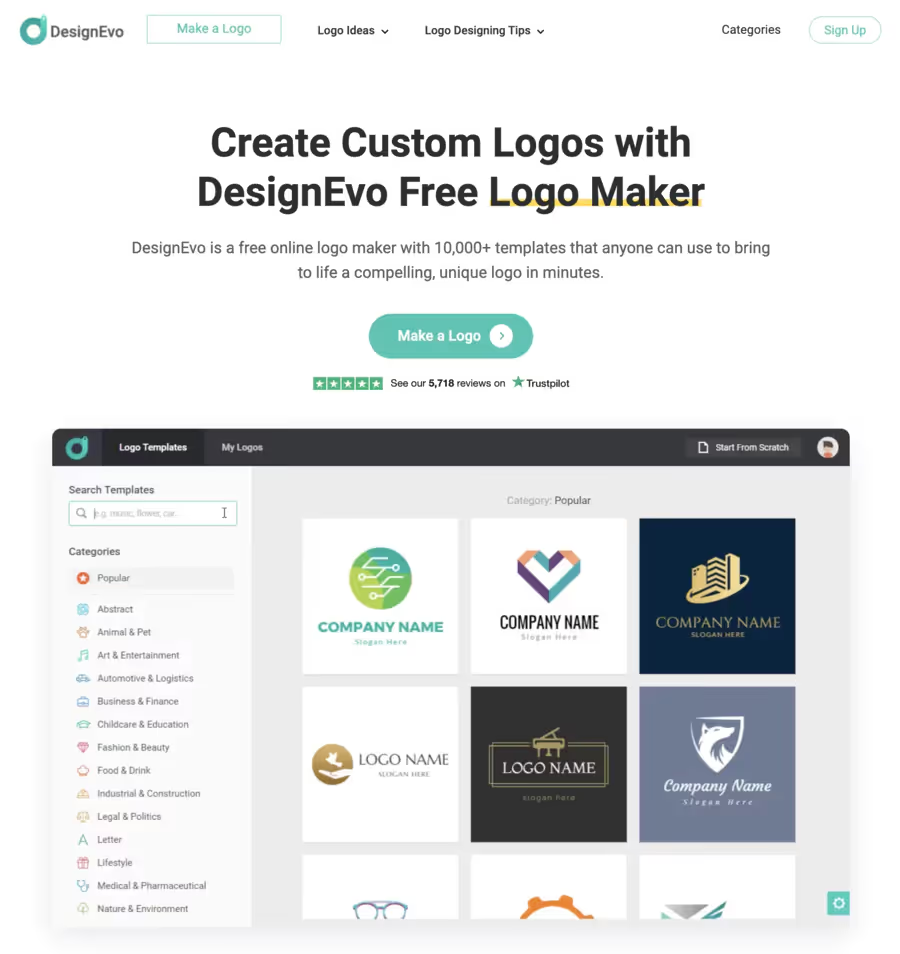
DesignEvo is a logo creator that's free and intuitive, allowing you to design custom logos in minutes without complicated software.
It's used for quick logo design for social media logos, app logos, or any DIY logo creation needs.
Whether you're launching an association or a small business, it transforms your ideas into high-quality graphics for rapid logo generation.
With its updates on advanced editing tools and real-time logo editing, it's perfect for custom logo creation processes accessible to everyone.
How to use DesignEvo to create a logo for free?
Don't panic, it's super simple even for beginners. Here's a step-by-step tutorial for total flexibility in logo customization. Everything is done online, no download required.
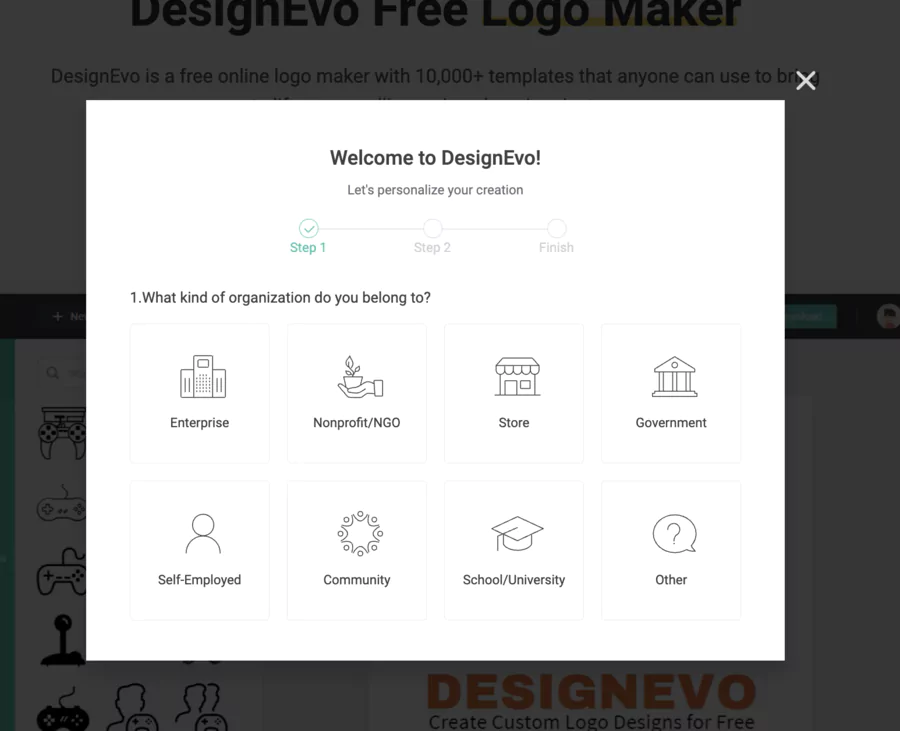
Access the site: Go to designevo.com and click "Start Designing" – no account needed at first.
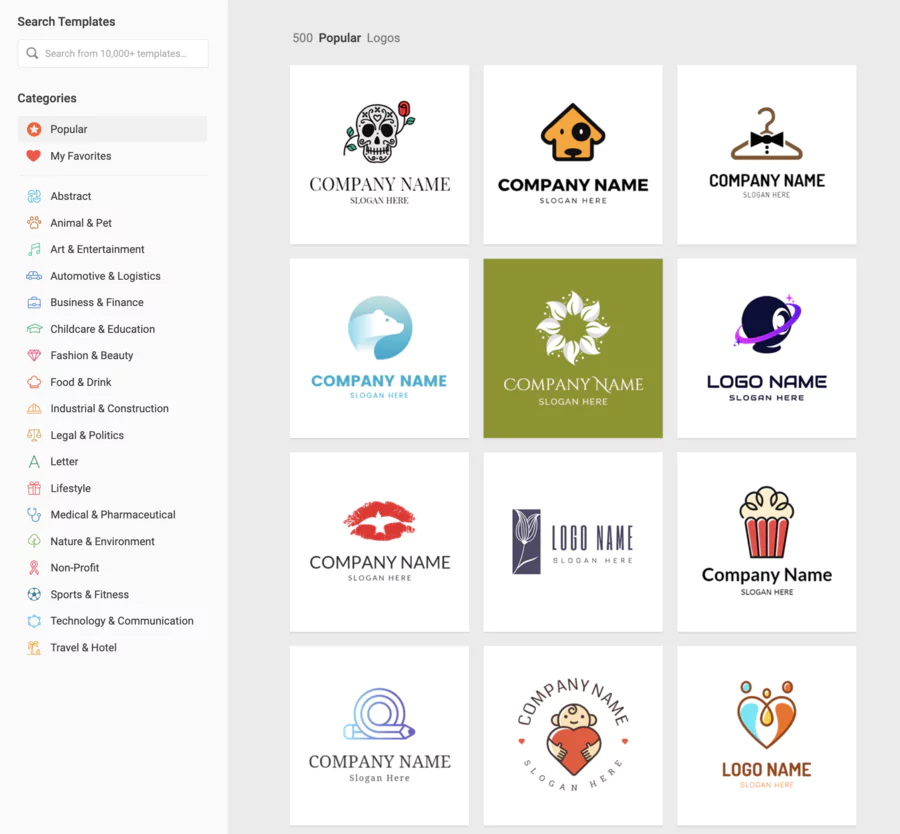
Choose a template: Type a keyword (e.g., "coffee") in the search to explore the 10,000 logo designs and various logo categories. Select a customizable logo template that speaks to you.
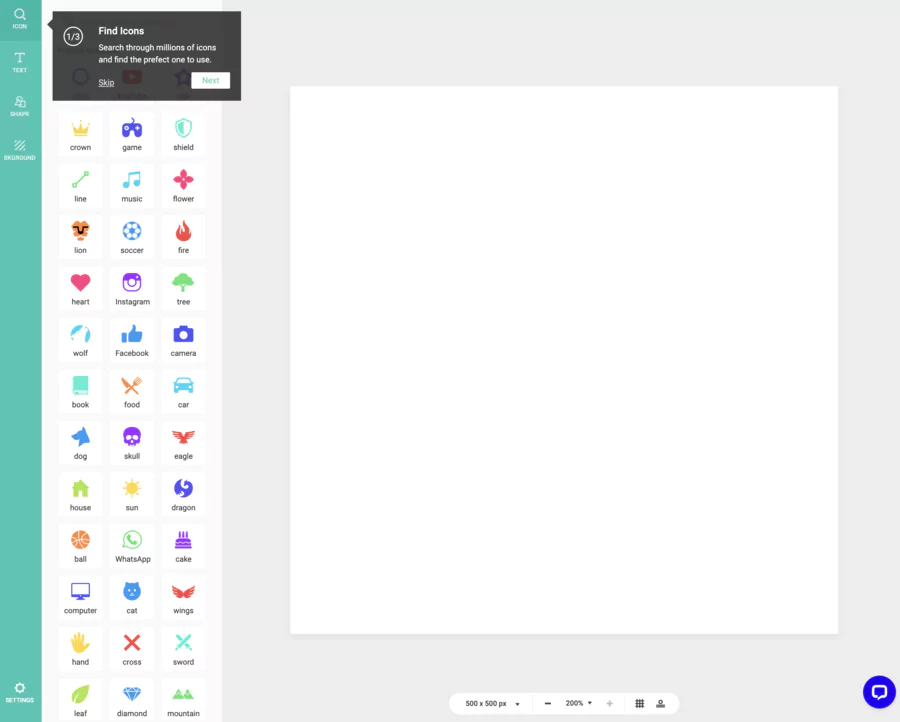
Customize: Use the drag-and-drop functionality to change colors (solid or gradients), add typographic customization via over 100 fonts, or insert icons from the icon library (millions of options!). Add text for your name, and test photo editing features if needed.
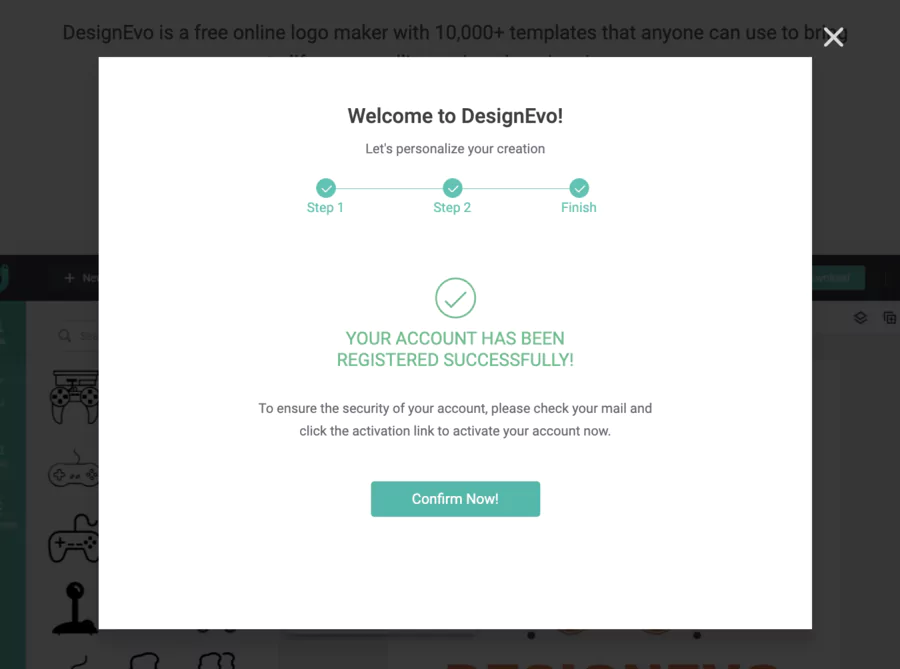
Preview and save: See your logo in real-time editing. Create a free account to save.
Download for free: Export in low resolution (JPG/PNG) with watermark. For a pro version, upgrade to paid (see below).
Tip: For an effective logo, aim for simplicity – max 2-3 colors, adaptable for 5000-pixel high resolution, and memorable for your brand image. Example: A coffee shop with a stylized cup and "Joyful Café" in a modern font.
Features offered by DesignEvo (templates, icons, fonts...)
DesignEvo is packed with tools for an easy-to-use application:
Over 10,000 professional logo templates organized by category (tech, food, luxury, sports, etc.)
Quickly find a design base, save time, get inspiration
🔗 Icons & vectors
Millions of free vector icons that can be integrated directly into designs
High visual customization, more expressive and identifiable logo
🔤 Fonts / typography
Over 100 varied fonts available, with different styles (bold, italic, serif/sans serif, etc.)
Adjust style according to brand identity, strengthen logo character
🎨 Advanced visual editing
Tools to adjust colors and gradients, shape customization, backgrounds, graphic effects
More professional and unique design, visual consistency according to your values
📥 Download formats
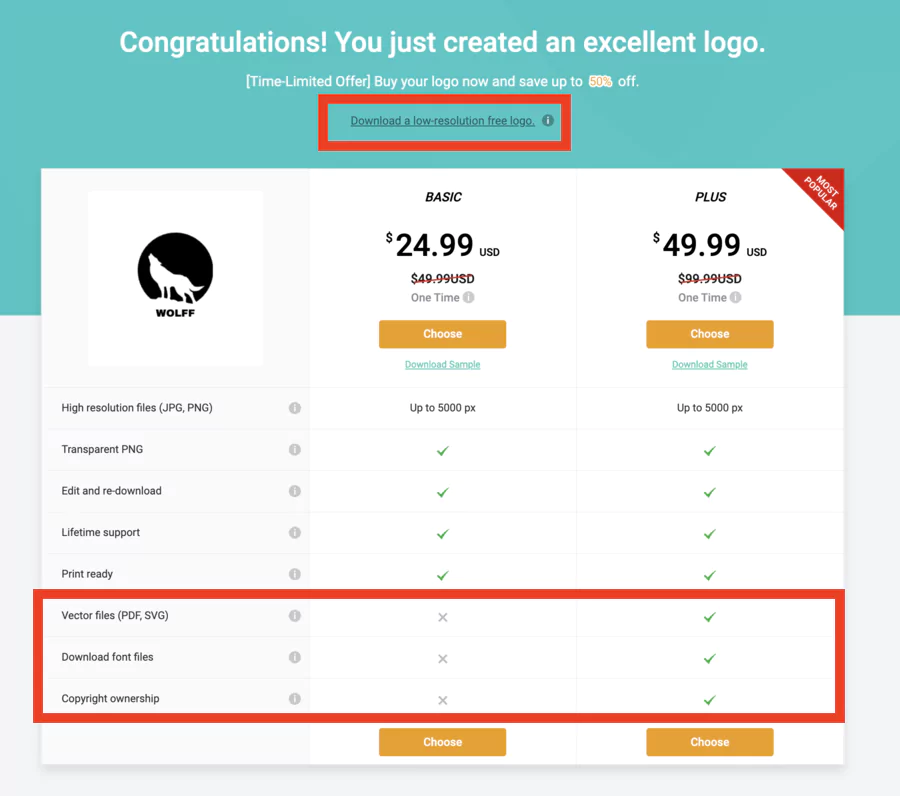
Downloads in multiple formats: PNG, JPG, transparent version, plus vector (SVG, PDF) and font files in paid versions
Flexibility: web, print, large format printing, lossless resizing
🖥️ Saving & modifications
Projects saved in user account, later modification possible after purchase or paid version
Refine logo over time, evolve design based on feedback
🛡️ Ownership & rights
Full copyright for logos purchased via paid version, commercial use authorized
Legal peace of mind, free use for logo, brand materials
In 2026, advanced editing tools like logo customization flexibility make everything smooth for beautiful and professional logos.
Is the tool easy to use for beginners?
Absolutely, yes!
Its user-friendly interface and drag-and-drop functionality make DesignEvo a dream for beginners with no graphic design experience. No learning curve – in 5 minutes, you have a prototype.
It's easy: everything is intuitive, with immediate previews via real-time editing.
Ideal for busy solopreneurs!
Is there a free version or paid options?
Yes, affordable design options for everyone:
Free: Unlimited creation, low resolution downloads with watermark – perfect for testing.
Paid: Basic ($24.99 once) for 5000-pixel high resolution JPG/PNG; Plus ($49.99) for PDF SVG vector files, included fonts, and full copyright. No forced subscription, just one-time purchases for unlimited professional downloads.
Choose free to start, upgrade to paid if you like it!
Can DesignEvo be used on mobile and computer?
Absolutely!
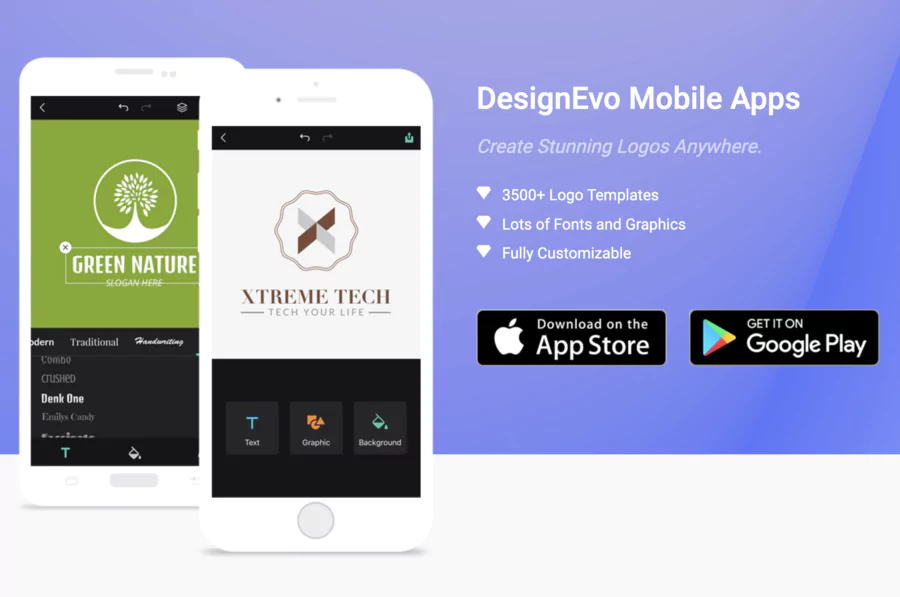
It's a web-based online logo creation tool, accessible on computer (browsers like Chrome) and mobile (iOS/Android via browser). No dedicated app, but responsive for rapid logo generation on the go – edit your social media logos from your phone hassle-free.
User reviews
Feedback is ultra-positive, reinforcing credibility!
On Trustpilot, 4.8/5 (5,718 reviews): "Easy, varied templates, great gradients – better than others!"
On G2, users love the customization and interface: "Pro without design skills!"
Testimonials highlight speed for startups: "Pro logo in 10 min, great for my app!"
Some regrets about the free watermark, but overall, customer feedback is reassuring for beginners.
Comparison: DesignEvo vs other logo creation solutions
To help you choose, here's a quick table (based on 2026):
🏆 Logo creation tools — 2026 Comparison
🛠️ Tool
💰 Base price
⭐ Average rating
⚡ Strengths
⚠️ Limitations
🎯 Ideal for
💡 Looka
From $20 (one-time payment)
4.8 ★★★★★
• Ultra-fast and relevant AI generation
• High-resolution vector export
• Complete brand kit (cards, banners, etc.)
• Less manual control over details
• Requires purchase to download HD files
Tech-savvy startups seeking time savings
🎨 DesignEvo
Free / $24.99
4.4 ★★★★☆
• +10,000 ready-to-use templates
• Simple drag-and-drop interface
• Vector exports with paid version
• Watermark on free versions
• Fewer global branding options
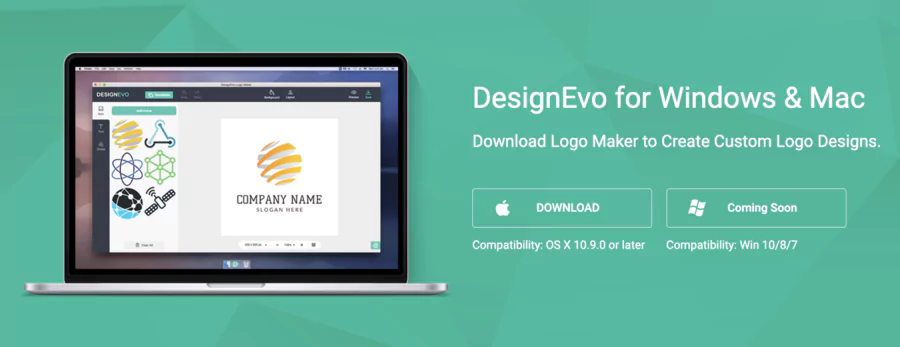
DesignEvo stands out with its simplicity of access from any web browser. This platform enables everyone to easily create logos without prior technical skills. Getting started happens in just a few clicks, transforming graphic design into a simple and effective process.
The simple and intuitive tool works directly online, eliminating installation constraints on Windows or Mac. This easy-to-use approach puts graphic creation at your fingertips, whether you're on desktop or mobile device. The graphic design solution remains accessible from any connected device.
Interface advantages:
Intuitive navigation for beginners
Drag-and-drop element editing
Real-time preview
Automatic project saving
Multi-platform compatibility without installation
Download options and available versions
DesignEvo offers over 10,000 ready-to-customize templates, accompanied by a vast choice of resources including more than 1,000,000 icons. This impressive list includes hundreds of fonts and shapes for all types of projects.
The already very comprehensive free version allows testing all features. However, paid versions enable high-definition image downloads and commercial use. A one-time payment starting at $24.99 unlocks these advanced functions.
Available resources:
Over 10,000 editable templates
Thousands of templates for logos or badges
Content adapted to social media
Designs for t-shirts and business materials
Varied professional fonts
The ability to download in high resolution distinguishes paid accounts. This feature proves essential for printing and professional use, justifying the investment for businesses.
Conclusion
DesignEvo positions itself as a professional and versatile graphic design solution, accessible to all budgets. Its already very functional free version allows discovering the logo maker's possibilities, while paid options open access to high definition.
This platform meets varied needs: from simple badges to complex website designs. The intelligent freemium approach allows testing before investing, reducing risks for professional and amateur users alike.
The richness of resources (thousands of templates, 1,000,000 icons) and ease of use make DesignEvo a relevant choice for anyone wanting to create professional visuals without technical expertise.
FAQ
Is DesignEvo's free version sufficient to get started?
The already very comprehensive free version allows testing all features and creating functional logos. Only download resolution remains limited, which suits testing and basic web use.
How much does access to high-definition downloads cost?
A one-time payment starting at $24.99 unlocks high-definition image downloads. This unique formula avoids recurring subscriptions, ideal for one-time projects.
Does DesignEvo work on Mac and Windows?
The tool works directly in the web browser, eliminating system constraints. This approach guarantees full compatibility on Mac, Windows, and other platforms without required installation.
What is the user rating for DesignEvo?
User feedback highlights quick onboarding and resource richness. The ability to easily create logos without technical skills explains this platform's popularity among entrepreneurs and creators.
Frequently Asked Questions
TRANSPARENCY ON PARTNERSHIPS We carefully choose the software, platforms, and services we recommend based on their quality and reliability. Our team tests and approves them, regardless of any business agreements.If you make a purchase or sign up through our partner links, we may earn a commission. This doesn’t cost you extra and helps keep our content free.
PhantomBuster: launch your first LinkedIn campaign without the busywork
Build a targeted prospect list, enrich profiles, and organize follow-ups in one workflow. Spend less time moving data and more time personalizing your message.
14 days free. No credit card or automatic charge. Includes 2 execution hours and 5 automation slots.
Set your targeting and daily limits, run one Phantom, and export a prospect list ready to work.
.svg)