Key Takeaways
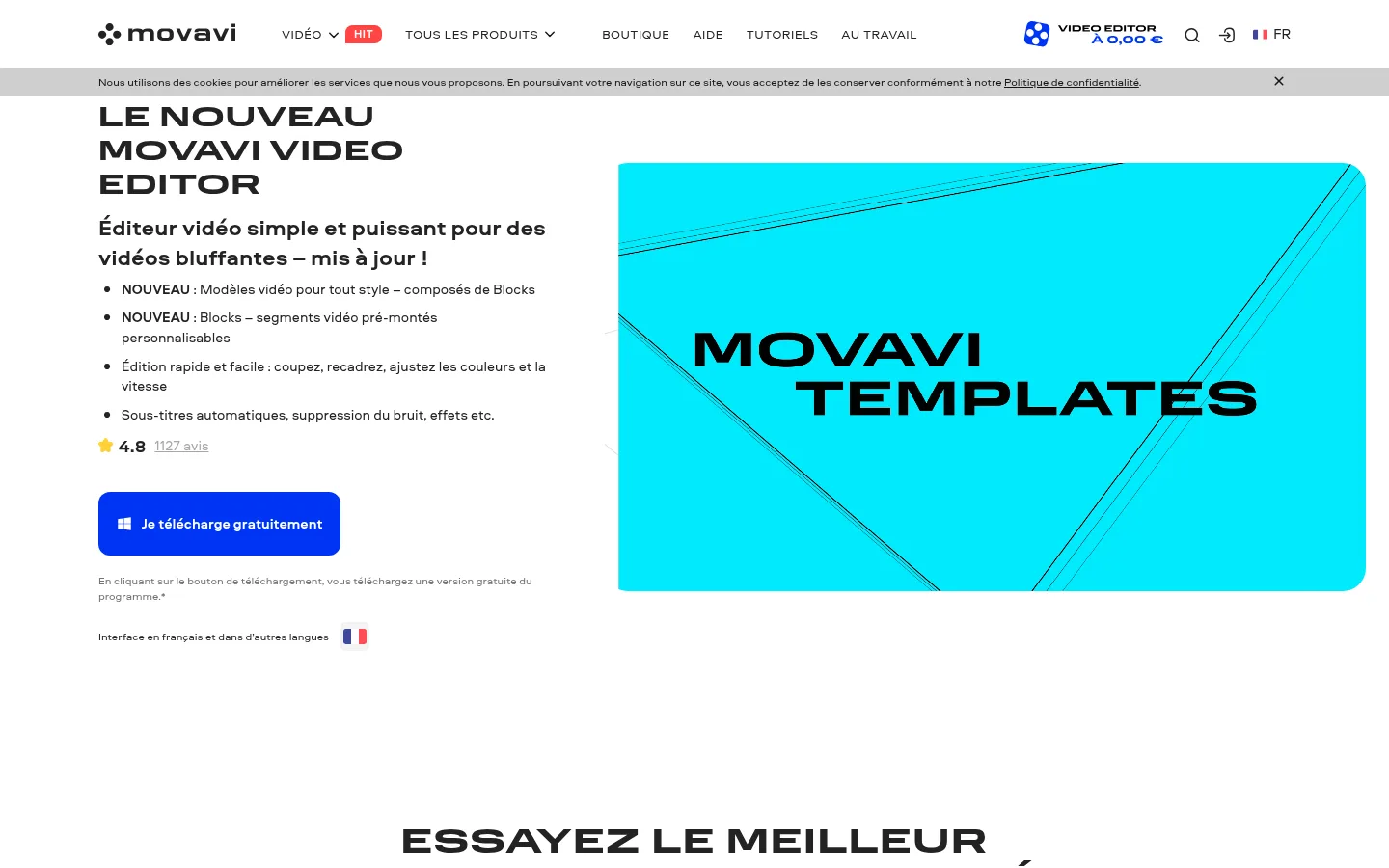
Movavi Video Editor is a beginner-friendly video editing software for Windows and macOS, built for vlogs, short social videos, business videos and family movies.
What is Movavi?
Movavi is a multimedia software company founded in 2004 and headquartered in Limassol, Cyprus, according to its About page. Its range includes a video editor, screen recorder, video converter and photo editor.
Key features
- Trim, crop, color correction, speed, stabilization, slow motion.
- AI tools: auto subtitles, noise reduction, silence removal, subject-tracking reframe.
- Filters, LUTs, transitions, titles, chroma key, picture-in-picture.
- Templates and customizable “Blocks”.
Our verdict
Movavi is a good middle ground for fast, clean results without professional complexity. The free version is mainly for testing (watermark and export limits) and extra effect packs cost more. The product page shows a 4.8 rating from 1,127 reviews (vendor-published, checked 2026-11-28).
Discover Movavi

Movavi Video Editor pricing
Movavi Video Editor subscriptions (prices incl. tax shown for Canada on 2026-11-28)| Option | Listed price | Note |
|---|
| 1 month | CA$26.95 | No long commitment |
|---|
| 1 year | CA$63.95 | Lowest monthly cost |
|---|
| Bundles | Varies | Screen recorder, converter, effects |
|---|
Prices vary by country and currency. The free version may add a watermark, limit export length and lock some advanced features, according to the product page.
Download the trial or check current offers on the official Movavi website.
Pros and cons
Pros
- Clear interface.
- Useful AI tools for talking-head videos.
- Windows and macOS.
Cons
- Limited free version.
- Fewer advanced features than pro editors.
- Effect packs sold separately.
Movavi alternatives
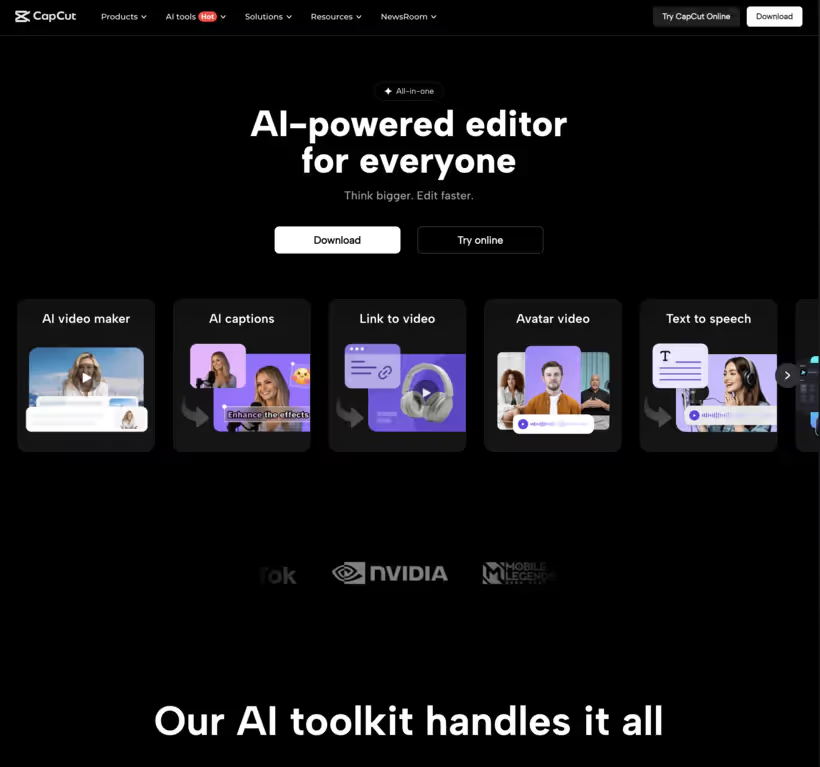
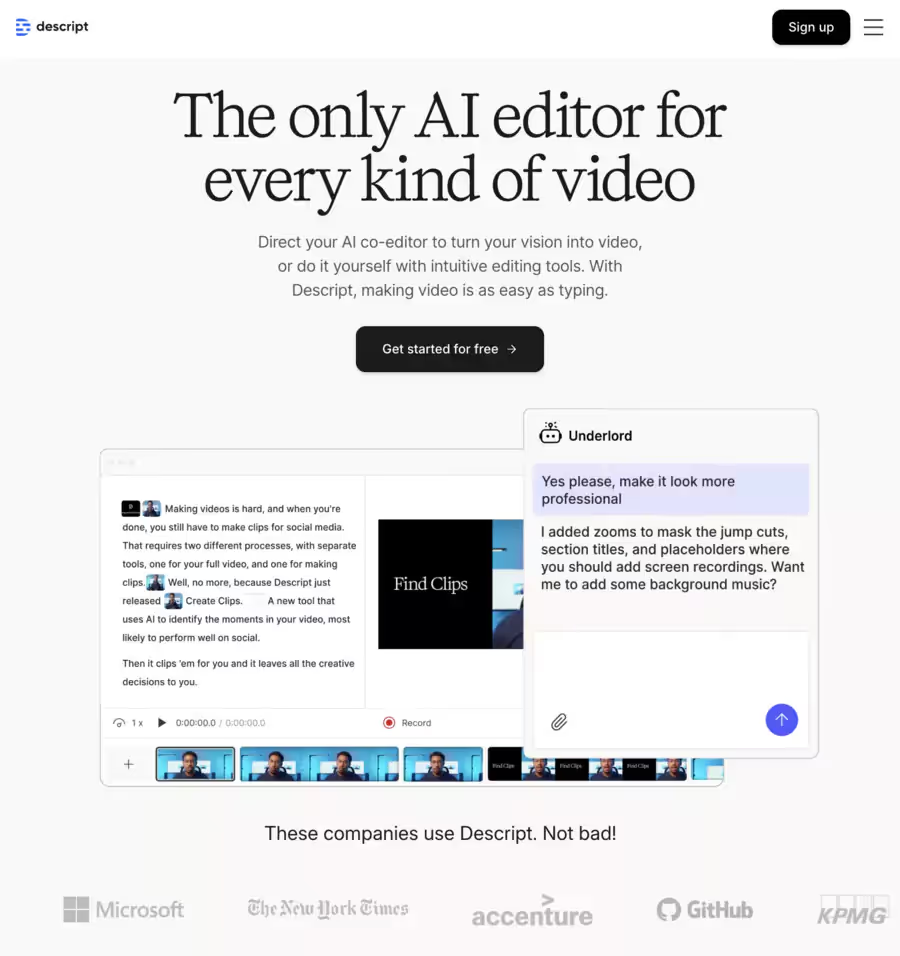
Wondershare Filmora is the closest competitor, CapCut suits short-form content, Camtasia screen-recorded tutorials and Descript transcript-based editing.
Conclusion
Movavi Video Editor is a sensible choice to start editing or to produce simple videos regularly. Test the free version on a real project, then prefer the yearly plan for longer use.
Is Movavi Video Editor free?
A free version can be downloaded, but it may add a watermark, limit export length and lock advanced features.
How much does Movavi Video Editor cost?
Prices depend on your country. From Canada on 2026-11-28 the store listed CA$26.95 for one month and CA$63.95 for one year, tax included.
Does Movavi work on Mac?
Yes, Movavi Video Editor is available for Windows and macOS.
Is Movavi good for beginners?
Yes, it is designed for beginners with a simple timeline, templates and one-click AI tools.
What is the best Movavi alternative?
Wondershare Filmora is the closest alternative; CapCut suits short videos and Camtasia tutorials.
TRANSPARENCY ON PARTNERSHIPS
We carefully choose the software, platforms, and services we recommend based on their quality and reliability. Our team tests and approves them, regardless of any business agreements.If you make a purchase or sign up through our partner links, we may earn a commission. This doesn’t cost you extra and helps keep our content free.