Iron TV Pro Is a IPTV subscription Who promises high quality streaming, live channels, movies and series at will, on almost any device.
If you're watching this for purchase, compare or troubleshoot Iron TV Pro, this guide is for you.
We will see together how it works, how much it costs, what devices to use it on, what the opinions say, how to solve common problems... and also the limits to know (legality, stability, alternatives).
What is Iron TV Pro?
In practice, Iron TV Pro, it's two things:
one IPTV service : a subscription that gives access to a very large number of TV channels and VOD content (movies, series, sport)
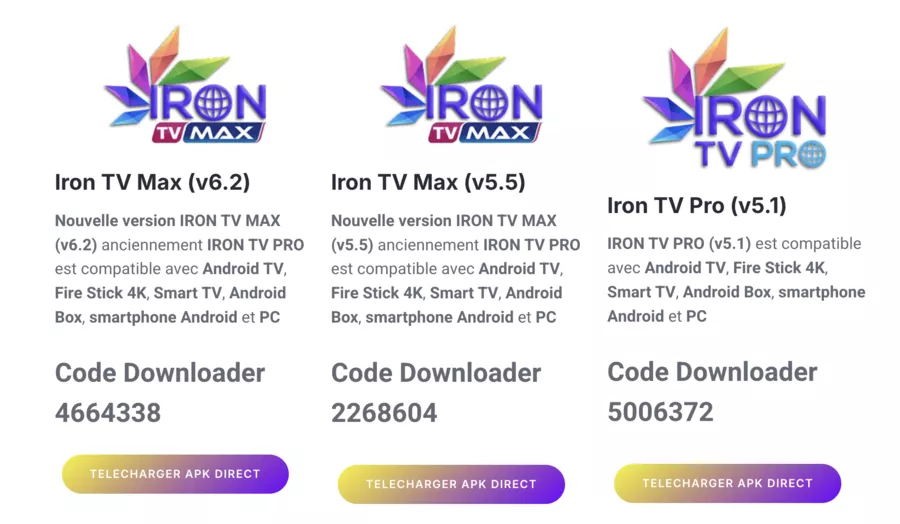
one IPTV app (Iron PRO/Iron TV MAX) which serves as a media player to broadcast these streams on your devices (Smart TV, Android Box, mobile, etc.
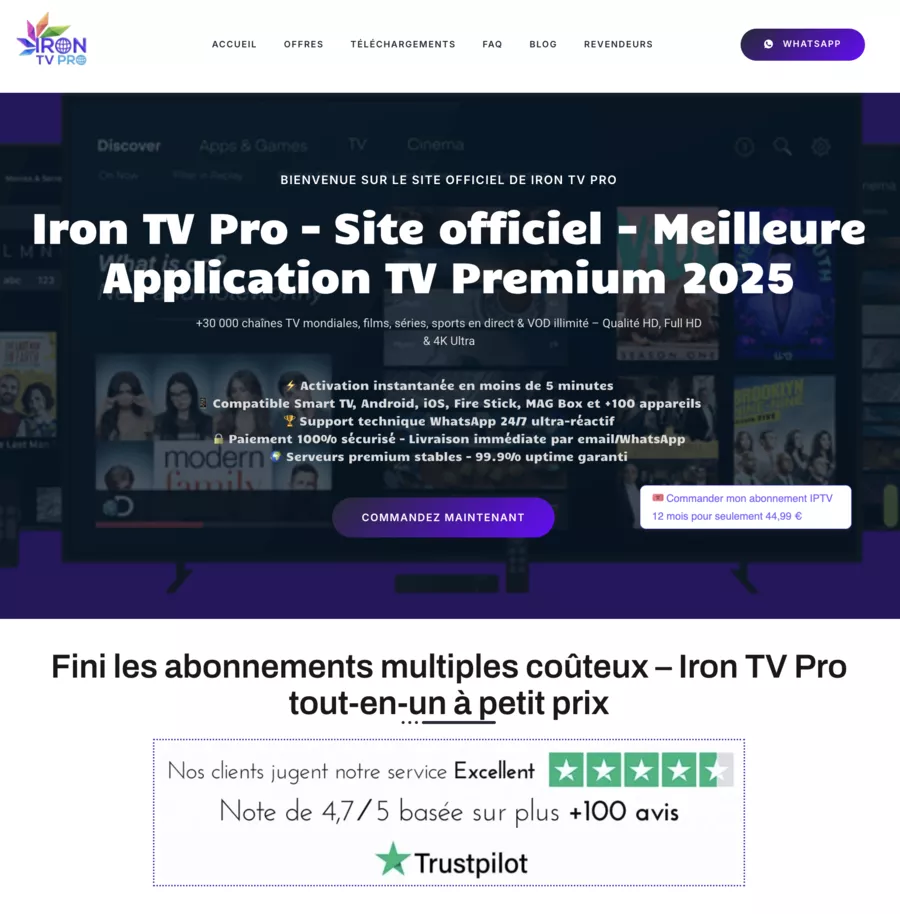
According to the Iron TV Pro site, the subscription gives access to:
More than 39,000 channels international and thematic
thousands of contents VOD (movies, series, sports, especially Ligue 1 & Champions League in HD/4K)
one high quality streaming (HD, Full HD, sometimes 4K) with IPTV servers presented as “stable”
On the other hand, the IRON PRO app is described as an IPTV media player compatible with playlists M3U/M3U8, with EPG, parental control, subtitles, etc., but without embedded content: the user must provide their own feeds or identifiers.
👉 In summary:
Iron TV Pro IPTV subscription = access to channels + VOD
The Iron PRO/Iron TV MAX IPTV app = the tool that reads these feeds on your devices
How does an Iron TV Pro IPTV subscription work?
The operation is fairly standard for a IPTV subscription service
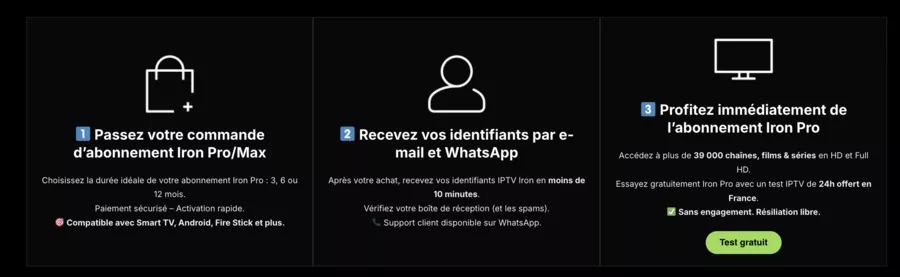
Choice of the formula
Duration: 3, 6 or 12 months
Sometimes 24h IPTV test at a low price or free
IPTV subscription payment
Online payment (Visa, PayPal, bank transfer, etc.) on a site presented as official
Receiving identifiers
You get a Activation code Or ids by email and often via Whatsapp (highly valued “human” after-sales service)
Installing the IPTV application
InstallingIron TV Pro/Iron TV Max/Iron PRO on your device (Smart TV, Android Box, Fire Stick, mobile, etc.)
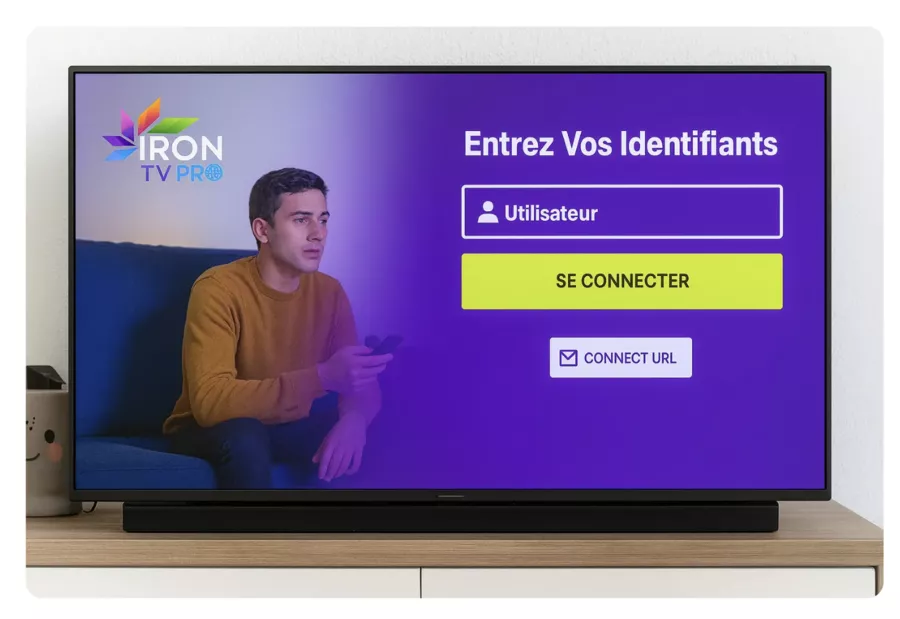
Connection & activation
You get your Activation code or your identifiers in the application
You then access the live channels, VOD (movies, series), replayed, etc.
⚠️ Important:
Les third party sites Who sells Iron TV Pro may not all be official. Always check the reference site and legal notices.
The subscription is usually without commitment with short test, but check the conditions of repayment and renewing.
Iron TV Pro prices and offers in 2026
The offers revolve around 3, 6 and 12 months, sometimes with a 24-hour test. Prices vary depending on the retailer and the promotions, but we often find
3 months : around €19.99—24.99
6 months : around €29.99
12 months : around 34.99€
24h test : sometimes €0.99 or free
Some sites also announce temporary discounts (up to -50%) on subscriptions.
The amounts below are indicative and subject to change. Always check the official website or retailer at the time of purchase.
🧮 Summary table of Iron TV Pro offers (estimates)
🧮 Iron TV Pro Offers — Durations, Prices & Included Content (2026)
⏱️ Duration
💶 Indicative Price*
📺 Screens & Quality
📦 Content & Services
🟢 24h Test
About 0.99 € for 24h
Single short-term payment
1 HD screen
Perfect for first try
Access to full IPTV + VOD catalog
Great to test server stability
🟡 3 Months
About 19.99–24.99 €
Short but comfortable commitment
1 HD, FHD, or 4K screen
Designed for regular use
39,000+ channels, movies, series
Support often via WhatsApp
🟠 6 Months
Around 29.99 €
Good price-to-duration ratio
1 HD or 4K screen
Fewer renewals to manage
Same catalog as 3-month offer
Comfortable for mid-term use
🔴 12 Months
About 34.99 € per year
Most cost-effective monthly option
1 HD or 4K screen
Ideal for stable daily use
Full IPTV + VOD access for 12 months
Renew only once per year
* Prices observed on various sites, to be checked before purchase
Compatible devices and technical requirements
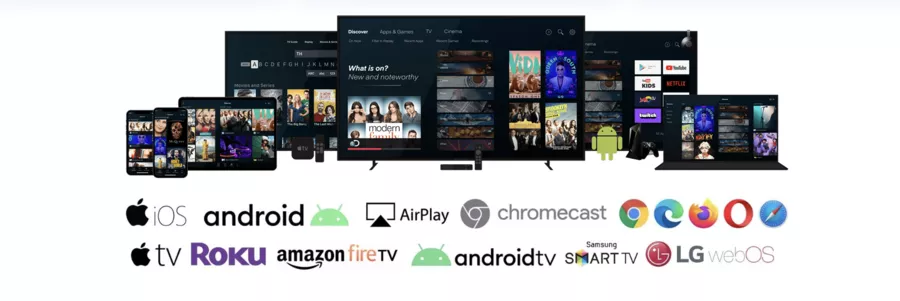
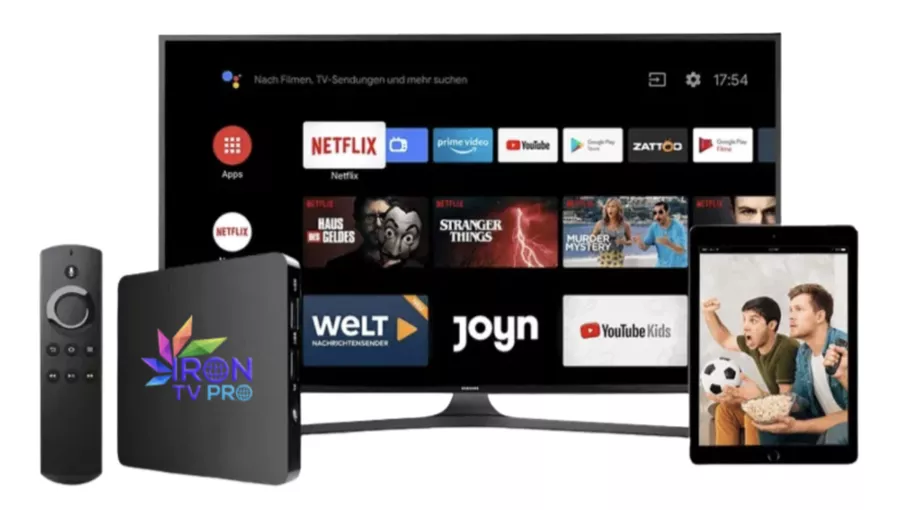
Iron TV Pro highlights a multi-device compatibility quite wide
Main compatible devices:
🖥️ Smart TV : Samsung, LG, Android TV
📦 Android Box/TV Box : X96, various Android boxes
🔥 Fire TV Stick and Fire TV
📱 Android smartphones & tablets (Iron TV Pro/Iron PRO APK). The Iron TV Pro app is also available for download on the Google Play Store for Android devices.
📱 ios : use via compatible IPTV apps or official workarounds (depending on what the provider offers)
💻 PC & Mac : via compatible IPTV player or Android emulator
Recommended Internet connection:
Fiber or very good ADSL/VDSL
At least 10—15 Mbps stable for HD (more for 4K)
👉 The more stable your connection is (ideally by ethernet rather than Wi-Fi), the less you will have shutdowns And of Lags while streaming.
Channels, movies, and series: what does Iron TV Pro offer?
The sites linked to Iron TV Pro highlight a very important catalog:
+39,000 TV channels (generalists, cinema, sports, documentaries, documentaries, youth, international...)
Movies & series on VOD, in several languages
Sports competitions : Ligue 1, Champions League, other major leagues, depending on the period
Contents in HD, Full HD, and sometimes 4K/8K
⚠️ Things to keep in mind:
The IPTV catalog can change regularly (rights, servers, regions).
Channel lists are rarely guaranteed “for life”; they are evolving.
Always check which channels are really important to you (sport, country, language) with the provider front to commit yourself.
Installing Iron TV Pro: A simplified guide by device
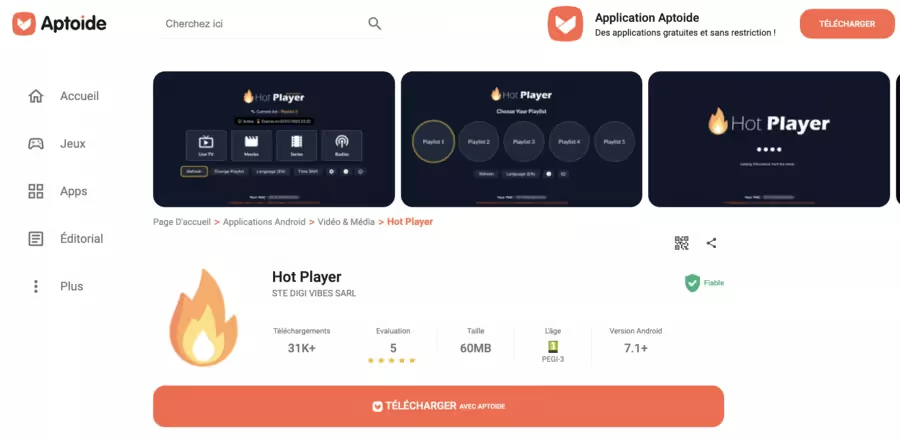
Important: always prefer official sources (site or link given by Iron TV Pro support) to download the application. Downloading the APK or other necessary files must be done from a reliable source in order to ensure the safety of your device.
Avoid downloading APKs from dubious sites: risks of malware, data leaks, or modified versions.
1. On Smart TV/Android TV/Android Box
Here are the steps to follow to install Iron TV Pro on a Smart TV, Android TV, or Box:
✅ Check compatibility from your TV or box (Android TV, Samsung, LG, etc.).
🌐 Open the built-in browser or a Downloader app.
⬇️ Download theIPTV app recommended by Iron TV Pro (official app or compatible player).
🔐 If you go through an APK on Android TV, only activate unknown sources required, then deactivate them after installation (security).
🔑 Type your Activation code /identifiers received by email or WhatsApp, and valid.
2. On Fire TV Stick
🔎 In the Fire TV search, look for a IPTV player compatible (or follow the guide sent by Iron TV Pro).
⬇️ Install the selected application.
📬 Enter Iron TV Pro IDs in the IPTV settings/section.
▶️ Start channels and test multiple streams to check the HD picture quality and stability.
3. On smartphone or tablet (Android)
⚙️ Make sure your device is running Android 5.0+ (IRON PRO prerequisite)
⬇️ Download the Iron TV Pro/Iron PRO APK from the link provided by the supplier (avoid unknown mirrors).
📥 Install the app (minimum permissions: network, storage for video cache).
🔑 Type your Activation code IPTV.
📺 Choose your playlist/category (live channels, VOD, sport).
💡 On iPhone/iPad or PC/Mac, the logic is similar: you need a compatible IPTV application, then enter the credentials provided. Check the vendor guide as tools may vary.
Troubleshoot Iron TV Pro: Common Problems & Quick Solutions
User feedback sometimes talks aboutApp that goes back to the beginning, channels that don't launch, or concerns about favorites. Here is a chart of express troubleshooting for the most common problems 👇
🛠️ Iron TV Pro troubleshooting chart
🛠️ Iron TV Pro Troubleshooting — Common Issues & Quick Fixes (2026)
😕 Problem
👀 Symptoms
✅ Quick Solution
☎️ When to Contact Support
No channels launching
Black screen on all channels
Global error message or unavailable streams
Test connection with another service
Restart internet box and IPTV device
Try a different IPTV app
If all channels stay down with good bandwidth
If the issue affects multiple apps and devices
App returns to menu
Selecting a channel brings you back to home
Can’t stay on channel for more than a few seconds
Clear IPTV app cache
Restart device, then relaunch app
Check and apply updates
If bug persists for several days
If the issue appears on multiple devices
Double-check copy-paste and capitalization
Verify subscription dates and duration
Retest with the latest code received
If recently sent code never works
If you have proof of up-to-date payment
Regular freezes or cuts
Image freezes or micro-stutters
Audio lagging or cutting out
Switch to Ethernet instead of Wi-Fi
Close background apps
Lower video quality from 4K to HD
If you have stable 20+ Mbps
If cuts remain constant despite fixes
VOD not starting
Movies or series load then stop
Looping back to the start
Test multiple different VODs
Check free space on device
Try on another compatible device
If even simple channels no longer work
If VODs fail on all your devices
Most Iron TV Pro sellers highlight a 24/7 customer support via WhatsApp or email, often quite reactive
User reviews: Does Iron TV Pro keep what it promises?
On Trustpilot, “IRON TV PRO OFFICIAL” gets a Overall rating around 4 stars, with a majority of review 5 ★ putting forward
Points that are often cited positively:
🟢 Stability IPTV servers, few interruptions for many users
🟢 Image quality in HD/4K considered very good for the price
🟢 Customer support considered available and responsive on WhatsApp
🟢 Good quality/price ratio compared to traditional TV offerings
Negative points or limitations raised:
🔴 Bugsui (ex: missing or poorly managed favorites list)
🔴 Some testimonies of connection problems or an unstable app
🔴 Service that sometimes seems to depend heavily on Whatsapp for after-sales service (practical, but less structured than a traditional customer portal)
You can also find “Iron TV Pro IPTV subscription” products on sites like Cdiscount, with average ratings around 4/5 depending on the models sold.
👉 My critical opinion:
For a user who is at least comfortable with Tech and IPTV apps, Iron TV Pro can be interesting for the quantity of content and the annual rate.
For someone who wants an ultra-simple system, fully regulated legally, with a “classic” hotline, the ISP TV offers or legal platforms such as Canal+, Netflix, DAZN will remain more reassuring (but often more expensive).
Iron TV Pro and legality: what you need to understand
IPTV in itself (the technology) is not Not illegal.
What's the problem is the distribution of content without rights.
Specialized media recall that:
One IPTV service is legal if the supplier Pay for broadcast rights for each channel/movie/match it offers.
It becomes unlawful if it broadcasts pay channels, recent movies, or sports without authorization or license.
In France and other countries, authorities and rights holders are intensifying the fight against illicit IPTV services (blockages, complaints, sanctions for resellers, etc.)
Concretely, for you user:
Always check the legal notices, the CGU and the possible official partnerships of the service.
Beware of offers that promise All the paid channels of a country + all VOD platforms for a few euros per month.
One VPN for streaming may improve your privacy or the stability of your connection, but should not be used to circumvent rights limitations or violate the terms and conditions of a service.
👉 This guide cannot confirm the precise legal status of Iron TV Pro in every country.
The responsibility for the use is yours: find out about the legal framework of IPTV in your jurisdiction before subscribing.
What are the alternatives to Iron TV Pro?
If you are hesitant or want to compare, here are three main families of IPTV/streaming alternatives:
📺 Alternatives to Iron TV Pro — Quick Overview & Comparison 2026
🧩 Alternative Type
✅ Key Advantages
⚠️ Limitations / Notes
ISP TV Offers 📡
Regulated TV rights from provider
Included decoder with structured support
Often bundled with internet subscription
Generally higher prices than IPTV like Iron TV Pro
Fewer exotic or international channels
Legal Streaming Platforms 🎬
Top image quality and official apps
Clear legality and apps available everywhere
Best for movies, series, and premium sports
Multiple subscriptions needed for full coverage
Less all-in-one than large IPTV services
Other Regulated IPTV Services 📡
International TV bouquets via smart TV or box
Licenses and distribution rights displayed
Integrated into some official devices
Sometimes more limited selection than unofficial IPTV
Prices can be similar to classic TV offers
Comparison with Iron TV Pro 🔍
Helps position Iron TV Pro against legal options
Useful for combining IPTV and OTT services as needed
Always check legality and usage terms
Prioritize solutions with clear rights displayed
Conclusion: Iron TV Pro, who is it interesting for?
Iron TV Pro is clearly aimed at users who want to:
one big catalog of live channels + VOD
ofthe high quality streaming (HD/4K) on multiple device types
one 24/7 technical support mainly by WhatsApp
one IPTV subscription Relatively affordable all year round
Les user reviews Show a majority satisfaction (stability, image quality, responsive customer service), but also some points of friction: interface bugs, occasional connection issues, dependence on WhatsApp for after-sales service
👉 If you're considering Iron TV Pro:
Test first a short offer or a 24h test to see the quality on your network and devices.
Check it compatibility (Smart TV, box, Fire Stick, mobile, etc.)
Learn about the legality of IPTV in your country and broadcast rights.
Compare with TV offers from your ISP and a few legal platforms to see what best fits your uses (sport, recent movies, series, local channels...).
🎁 TRY AI REVOLUTION FOR FREE
Notion AI: read less and decide faster
Ask one question across your pages, meeting notes, and databases. Notion AI surfaces the decisions, blockers, and next steps worth your attention.
Everyone gets complimentary AI responses. Upgrade to Business only after you use them up.
Open the meeting notes you have been avoiding and ask Notion AI for a one-minute decision brief.
Security and privacy: protecting your IPTV experience
Security and privacy are central to the Iron TV Pro experience.
The service highlights the use of encryption protocols to secure the data exchanged between the user's device and its servers, whether when connecting, watching TV channels or accessing content on demand.
Ongoing technical monitoring is announced in order to limit unauthorized access and maintain the stability of the service. The objective is to allow the use of the IPTV subscription under conditions presented as reliable, confidential and protected.
Iron TV Pro Customer Service: How to Get Official Help
Iron TV Pro customer service is presented as a dedicated support, available to support users at each stage of their IPTV experience, in France and internationally.
Support is advertised as available 24/7 to answer questions, help with configuration, technical troubleshooting, or understanding streaming offerings and qualities (HD, Full HD, 4K).
The contact takes place mainly via the official site, email and WhatsApp, in order to obtain quick and personalized answers.
In the event of a connection problem, a question about subscription packages or difficulty installing on a device, this support is intended to facilitate the most fluid and pleasant IPTV experience possible.
Continuous improvement: how Iron TV Pro is evolving for its users
The evolution of Iron TV Pro is based on a logic of continuous improvement of its IPTV platform.
The service regularly enriches its catalog of channels, movies, series and shows in HD, Full HD, and 4K, while working on optimizing streaming quality and adding new features to the app.
The updates also aim to increase compatibility with a wide range of devices (Smart TV, Android Box, Fire TV, computers, etc.). User feedback is used as a basis for evolving the interface, options and performances, in order to offer a more fluid viewing experience that is better suited to daily uses.
Frequently Asked Questions
Is Iron TV Pro suitable for an IPTV newbie?
Yes, if you follow a step-by-step installation guide and don't multiply apps. The easiest way: let the seller tell you which IPTV app to install on your device, then only enter your activation code.
Do I need a VPN to use Iron TV Pro?
Technically, a lot of IPTV users don't use VPNs. A VPN for streaming can improve your privacy or limit certain network restrictions, but you must respect the law and the terms of use of the services you are watching.
What is the Internet speed to enjoy HD/4K quality?
For stable HD, aim for at least 10—15 real Mbps, ideally more if several people are watching at the same time. For 4K, count more. A wired connection (Ethernet) is often more reliable than Wi-Fi.
Does Iron TV Pro work on iPhone/iPad?
Iron TV Pro is based on an IPTV player: on iOS, you have to use a compatible IPTV application, then enter your credentials there. Always check the official guide or contact support for up-to-date recommended apps.
How do I manage or cancel my Iron TV Pro IPTV subscription?
Management is done directly via the reseller's site or customer support (often WhatsApp/email). Before buying, check:
The duration of the commitment
The conditions for automatic renewal or not
refund/test policy
What should I do if the Iron TV Pro app no longer works?
You can:
Restart device + internet box
Clear the app cache
check if there is an update to the IPTV app
test the connection on another device
If nothing changes, contact technical support 24/7 with screenshots (error message, TV/box model) .Is Iron TV Pro legal in my country?
IPTV is legal if the provider has the rights to the channels and content it broadcasts. If not, it becomes illegal. The status therefore depends on the actual licenses of the service and local law. Get information from reliable sources (authorities, lawyers, specialized articles) before engaging.


.svg)