.svg)
Compare the best CAD software for your design projects. Discover key functionalities, pricing, and use cases to choose the right tool.

Computer-aided design (CAD) software is a computer tool that allows you to create, modify, analyze, and optimize designs.
They are used in many sectors: architecture, mechanical engineering, electronics or product design.
CAD software offers a digital platform where designers can create 2D and 3D models of their designs.
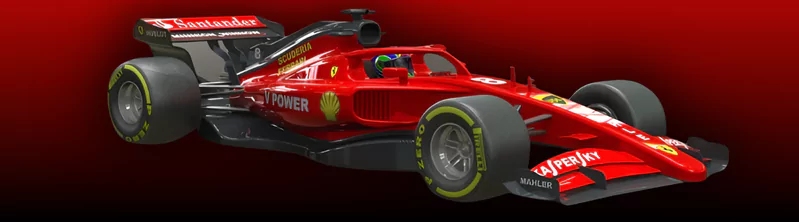
These models can be manipulated, tested, and refined interactively, allowing designers to experiment with different ideas and make changes quickly.
Among the main functionalities of CAD software, we find:
CAD software allows designers to work more efficiently, reducing errors and speeding up the development process.
They also facilitate collaboration between the different teams involved in a project, thanks to the sharing of digital files.
They are essential tools for design professionals, allowing them to bring ideas to life and create innovative products faster and more accurately than ever before.
Here are my top picks for the best CAD software on the market.
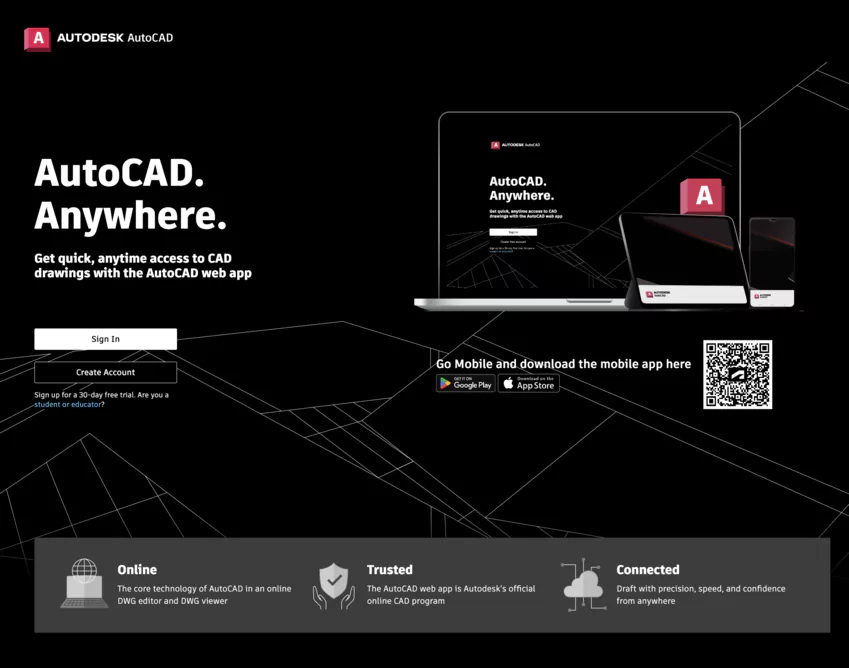
AutoCAD, developed by Autodesk, is a computer-aided design (CAD) software that is widely used in the architecture, engineering, and construction industries.
It offers powerful 2D drawing and 3D modeling tools, allowing professionals to create detailed plans, diagrams, and models while respecting the specific standards of each field.
Here are the different subscription levels offered:

❤️ Our Take : AutoCAD remains the absolute reference for 2D/3D CAD. Powerful, versatile and widely recognized, it is a must for any designer or engineer.
👍 Pros : Wide range of 2D/3D tools. Compatible with a variety of formats. Very common in industry. Part of the Autodesk ecosystem.
👎 Cons : Demanding apprenticeship. Expensive license. Interface sometimes confusing.
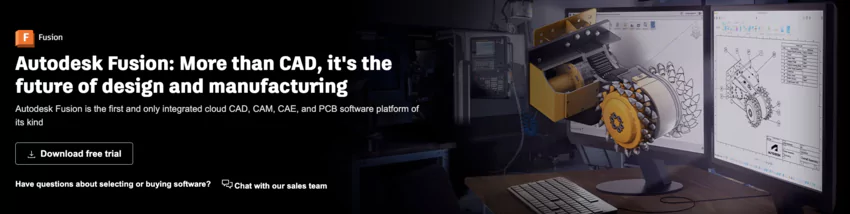
Fusion 360, developed by Autodesk, is a cloud-based CAD platform.
It combines design, simulation, and manufacturing in a single environment.
Fusion 360 allows designers and engineers to develop innovative products, test them virtually, and prepare for production collaboratively and effectively.
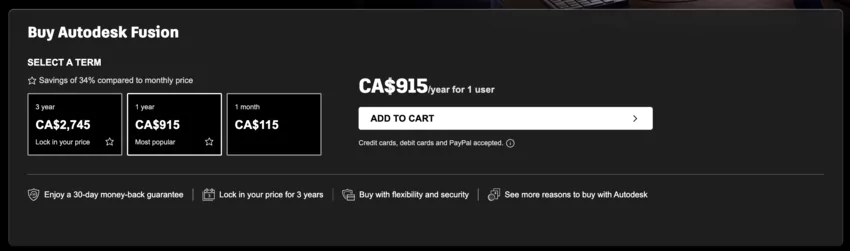
❤️ Our Take : Fusion 360 is revolutionizing CAD with its cloud and collaborative approach. Intuitive and accessible, it covers the entire design chain, from design to manufacturing.
👍 Pros : Full CAD suite in the cloud. Advanced parametric modeling. Real-time collaboration. Integrated rendering and simulation.
👎 Cons : Requires an internet connection. Less suitable for very complex assemblies. Some advanced features are missing.

Onshape is a fully cloud-based CAD platform. It allows teams to design, collaborate and manage their projects in an agile and secure way.
Accessible from any device with a web browser, Onshape offers a parametric design environment as well as real-time data management and collaboration features.

❤️ Our Take : Onshape frees CAD from hardware constraints with its entirely cloud platform. Accessible and collaborative, it allows you to design everywhere and with several people.
👍 Pros : CAD entirely in the cloud. Accessible from multiple devices. Real-time collaboration. Integrates with numerous tools.
👎 Cons : Requires a permanent internet connection. Limited interface customization. Performance sometimes slowed down.
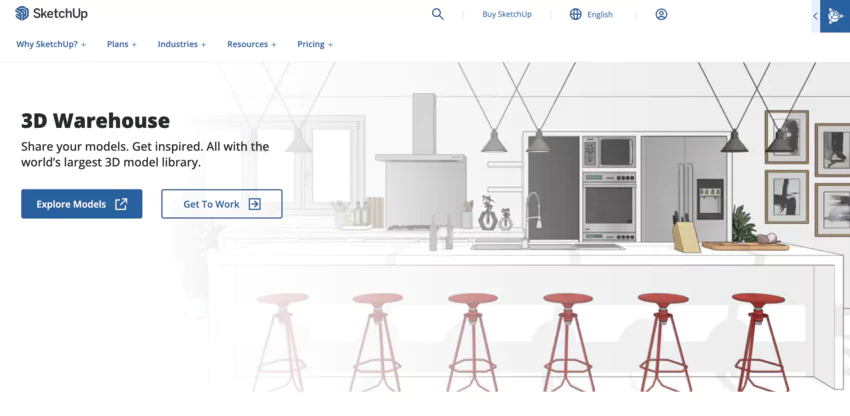
SketchUp, developed by Trimble, is a 3D modeling software recognized for its intuitive interface and ease of use.
Widely adopted in the fields of architecture, interior design, and scenography, SketchUp allows users to create, visualize, and modify accurate 3D models.
It also offers rendering and augmented reality features to facilitate the presentation of projects.

❤️ Our Take : SketchUp is the ideal multi-purpose 3D tool for bringing ideas to life. Intuitive and versatile, it makes it easy to model and visualize all types of projects.
👍 Pros : Clean and intuitive interface. Extensive 3D library. Extensions to expand the possibilities. Realistic rendering and visualization.
👎 Cons : Less suitable for precision mechanical designs. Management of large assemblies is sometimes difficult. Some import/export limitations.
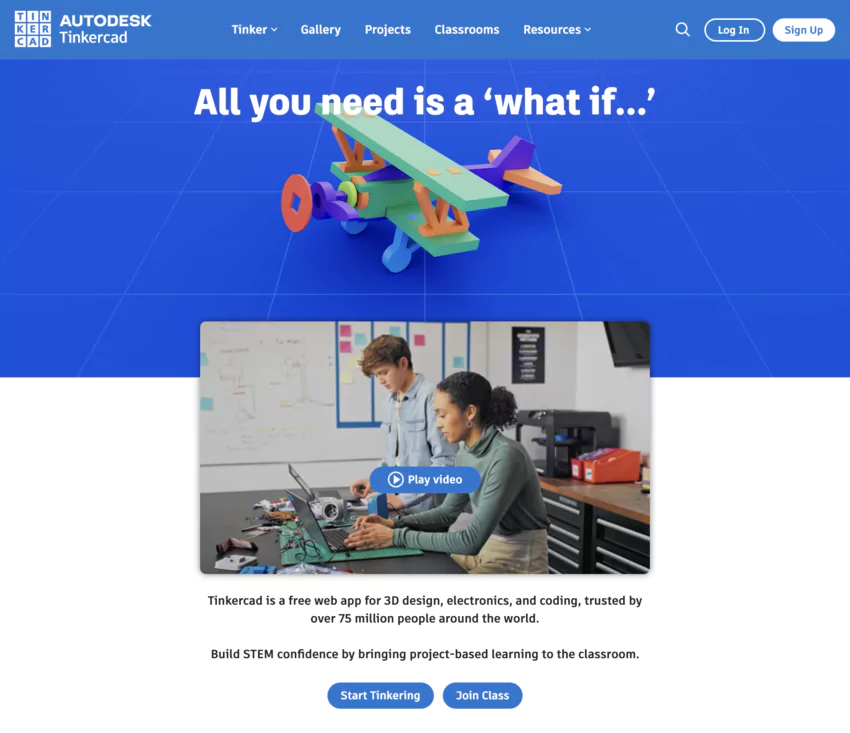
Tinkercad, developed by Autodesk, is an online 3D modeling tool designed to be simple and intuitive, even for beginners.
Its drag-and-drop interface and parametric basic shapes allow users to quickly create 3D objects, customize them, and prepare them for 3D printing or CNC machining.
❤️ Our Take : Tinkercad democratizes CAD with its intuitive and user-friendly approach. Ideal for getting started and prototyping quickly in 3D, it seduces small and large creators.
👍 Pros : Immediate handling. Free and accessible online. Good export options for 3D printing. Perfect for education
👎 Cons : Limited to simple models. Not suitable for complex projects. Rudimentary control of dimensions.

Creo, developed by PTC, is a suite of CAD software that provides powerful tools for parametric 3D modeling, simulation, manufacturing, and data management.
Used in various industrial sectors, Creo makes it possible to design innovative products, optimize them and bring them to market more quickly.

❤️ Our Take : Creo is the high-end CAD solution for industry. Advanced modeling, CAE, 3D printing... Its ultra-comprehensive tools and optimized architecture satisfy the most demanding designers.
👍 Pros : advanced parametric 3D CAD software. Management of complex digital models. Integrated simulation and CAE. Optimized performance.
👎 Cons : Demanding handling. Powerful hardware requirements. Substantial licensing costs.

FreeCAD is a free and open-source CAD software, offering a wide range of features for mechanical 3D modeling.
Based on the Open Cascade geometric core and developed by an active community, FreeCAD offers a powerful and customizable alternative to commercial CAD software.

❤️ Our Take : FreeCAD shakes up the codes with its free and collaborative approach. Parametric and modular, this open solution offers almost unlimited possibilities to small budgets.
👍 Pros : Totally free and open source. Parametric modeling. Extensible modular architecture. Active community.
👎 Cons : Less intuitive interface. Some advanced tools are missing. Complex assemblies that are more difficult to manage.
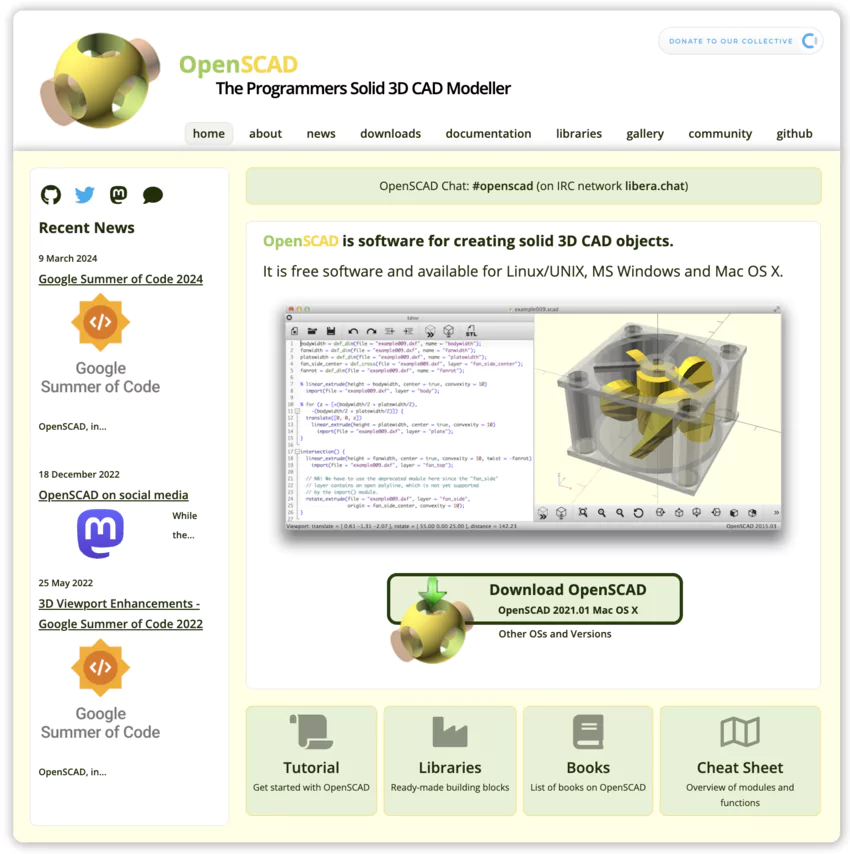
OpenSCAD is a free and open-source parametric CAD software, using a programmatically driven 3D modeling approach.
By describing objects using a dedicated scripting language, OpenSCAD makes it possible to create complex and parametric 3D models, suitable for 3D printing and digital manufacturing.
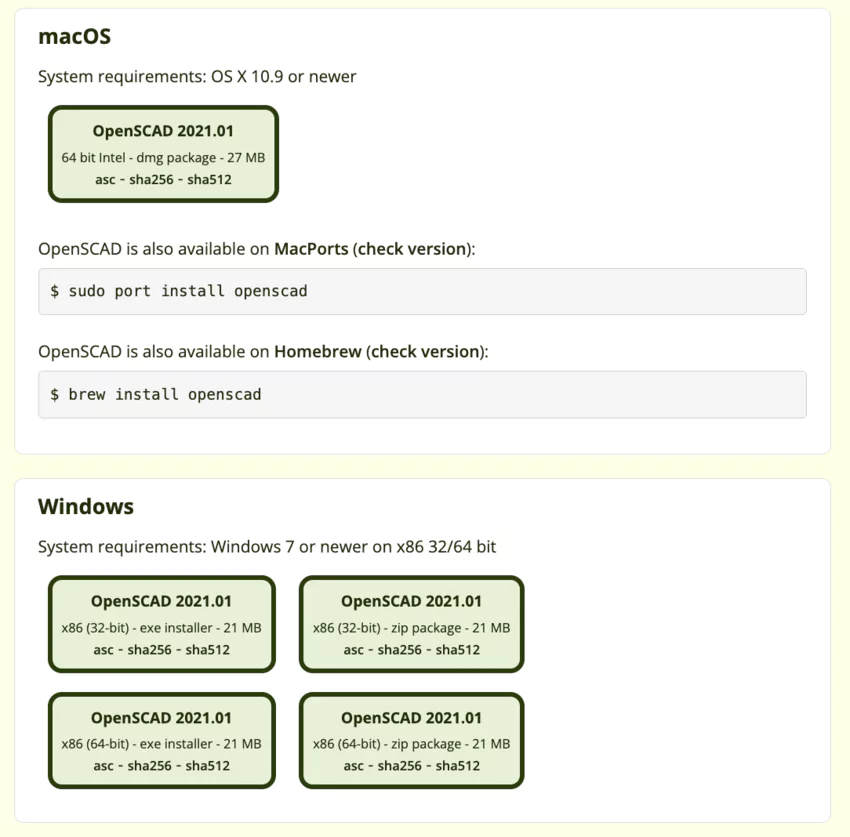
❤️ Our Take : OpenSCAD is revolutionizing the way we approach 3D modeling. By defining objects programmatically, it offers total control and opens up endless creative possibilities.
👍 Pros : 3D modeling by code for total control. Generation of complex and parametric shapes. Free and open source. Great for logical minds.
👎 Cons : Requires good programming skills. Demanding apprenticeship. Not suitable for organic or artistic modeling.

Blender is a free and open-source multi-function 3D software suite, primarily recognized for its animation, rendering, and modeling tools for creative industries.
However, Blender also offers advanced CAD features, allowing users to create accurate and parametric 3D models for a variety of technical applications.

❤️ Our Take : Blender is not just a 3D modeling software. It is a true open source creative studio offering all the tools to bring its ideas to life, from digital sculpting to animation.
👍 Pros : Complete and free 3D suite. Powerful digital sculpting, animation, and rendering. Highly customizable. Vibrant creative community.
👎 Cons : Less easy to handle. More focused on artistic creation than pure CAD. Complex management of large assemblies.
Catia, developed by Dassault Systèmes, is a CAD platform used in the aeronautical, automotive and manufacturing industries.
It offers advanced 3D modeling, multiphysics simulation and product lifecycle management functionalities, making it possible to design, optimize and manufacture complex and innovative products.

❤️ Our Take : Catia is the pinnacle of CAD for demanding industries. Aeronautics, automotive, energy... Its advanced modeling capabilities push the limits of what is possible.
👍 Pros : Extensive surface and solid modeling. Management of complex assemblies. Multi-physics simulation. PLM integration.
👎 Cons : Very demanding apprenticeship. Powerful hardware requirements. High costs for SMEs.

SolidWorks, from Dassault Systèmes, is a CAD software specialized in 3D mechanical design.
It offers tools for parametric modeling, simulation, and data management, allowing engineers to design, validate, and document complex products while optimizing their performance and quality.

❤️ Our Take : SolidWorks is the preferred solution for mechanical CAD. Its robust parametric modeling and advanced analysis tools make it a valuable ally for designers.
👍 Pros : Sophisticated parametric modeling. Extensive coin libraries. Integrated simulation and analysis. Broad ecosystem.
👎 Cons : Requires a high-performance workstation. Demanding apprenticeship. High licensing costs.
There are various types of CAD software, each adapted to specific uses and industries.
The main types of CAD software are:
The choice of the type of CAD software will depend on the specific needs of each project and the skills of the users.
It is essential to carefully assess your needs before choosing CAD software, in order to ensure that it has the necessary functionalities and that it is compatible with the other tools used in the context of the project.
CAD software is aimed at a wide range of professionals involved in the design and creation of products, buildings, and systems.
Some of the main users of CAD software include:
In addition to these primary users, CAD software can also be used by students, researchers, and passionate tinkerers who want to bring their ideas to life and create prototypes.
The use of CAD software generally requires training and some experience in the field of design.
However, many CAD programs offer intuitive interfaces and learning resources to help new users become familiar with their features.
Some of the best free CAD software include FreeCAD, OpenSCAD, Blender, and Tinkercad. These tools offer basic features for 3D modeling and are suitable for beginners and simple projects.
The best 3D CAD software includes AutoCAD, Autodesk Fusion 360, SolidWorks, Catia, and Onshape. These professional tools offer advanced features for product design, engineering, and manufacturing.
AutoCAD, DraftSight, and LibreCAD are some of the best 2D CAD software. They are particularly suitable for creating technical drawings, plans and diagrams.
Tinkercad, SketchUp, and Fusion 360 are known for their ease of use and intuitive interfaces. They are ideal for beginners who want to get started with 3D modeling.
AutoCAD, SolidWorks, Catia, and Creo are widely used in engineering, manufacturing, and product design industries. These professional software packages offer advanced features and compatibility with industrial workflows.
Over the course of this article, we explored the best CAD solutions available, covering a wide range of needs and budgets.
From market-leading software like AutoCAD and SolidWorks to open-source alternatives like FreeCAD and Blender, to innovative cloud solutions like Autodesk Fusion 360 and Onshape, there's CAD software that's right for every project and every user.
Remember that choosing the right CAD software will depend on your specific needs, experience level, and budget.
Take the time to assess the features, compatibility, and support offered by each solution before making your decision.
With the right CAD software and a bit of creativity, you'll be in a position to push the boundaries of design and create ever more innovative products and structures.
Looking for more related items?
▸ Are you interested in animation? Here are my top picks of animation software.
▸ Have you ever thought about drawing your CAD ideas? Read my summary article on best drawing software.
▸ Do you want to improve your website design? Here are my recommendations for the best web design software.







.avif)