.svg)









Definition of onboarding

Onboarding is a process of integrating new employees into a company, aimed at facilitating their arrival and adaptation to their new position.
This process is critical to ensuring employee success and satisfaction, as well as reducing hiring costs and improving talent retention.
Onboarding software can be a valuable tool for HR teams and businesses, allowing them to effectively manage the integration of new hires and monitor their progress.
With onboarding software, businesses can offer a structured and personalized onboarding experience, thus strengthening the engagement and productivity of new employees as soon as they arrive.
The onboarding process
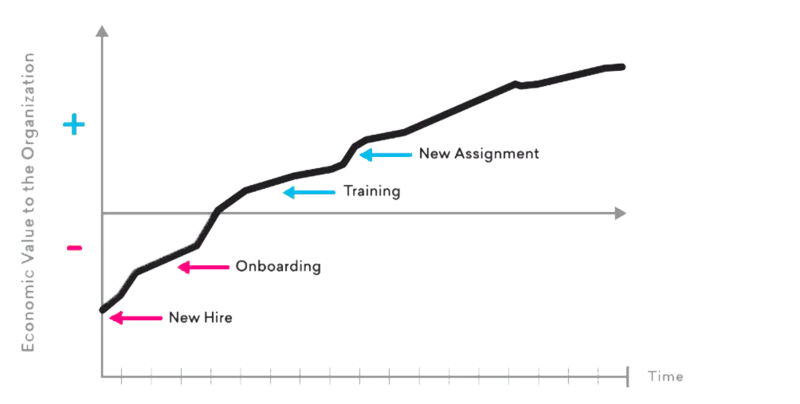
The onboarding process is a set of steps aimed at integrating new employees into a company.
This process can vary depending on the size and type of business, but it is generally composed of several key steps, including creating a profile for the collaborator, managing administrative documents, online training, and scheduling interviews.
The onboarding process can also include setting up a training and development plan for new employees, as well as setting goals and performance indicators.
By structuring these steps, businesses can ensure that each new employee receives the attention and support they need to succeed in their new role.
Onboarding process steps
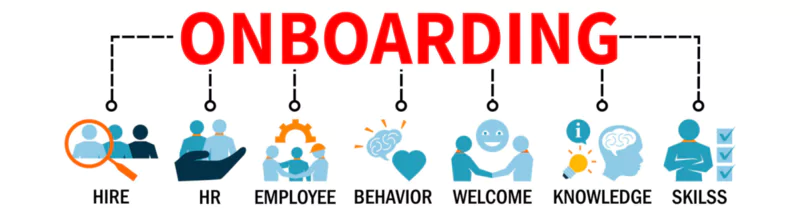
The steps in the onboarding process can vary by business, but here are some of the most common steps:
- Creating a profile for the collaborator : This step consists of creating a profile for the new collaborator, which includes personal, professional, and administrative information.
- Management of administrative documents : This step involves managing the administrative documents required for hiring, such as employment contracts, tax forms, and internal policies.
- Online training : This step consists of offering online training courses to help new employees understand company policies, procedures, and values.
- Interview scheduling : This step consists of scheduling interviews with new collaborators to discuss their goals, expectations, and needs.
- Implementation of a training and development plan : This step consists in setting up a training and development plan for new employees, which includes objectives, performance indicators, and regular evaluations.
- Monitoring and evaluation : This step involves monitoring the progress of new employees and evaluating their performance to identify areas where they need additional training or support.
By following these steps, businesses can ensure that every new employee is welcomed and supported, which contributes to successful onboarding and improved talent retention.
What are the best onboarding software for new employees?
HR managers often ask me: “What onboarding tool should you choose when you need to integrate payroll data, provision IT accounts and remain compliant? ” The importance of onboarding software lies in its ability to streamline and homogenize the integration of new employees.
It is important to combine the employment contract with other internal forms and policies to facilitate the integration and familiarization of the new employee.
Based on publisher data sheets, trust centers and recent field feedback, I enriched each solution with: volume and type of integrations, implementation deadlines and resources, security certifications, risks of change, risks of change, hidden costs and capacity for evolution.
The tables below (one per tool) therefore offer a “magnifying glass” view to make quick decisions without going back to Google. A centralized onboarding portal allows new employees to easily navigate the administrative resources and information they need to integrate.
BambooHR
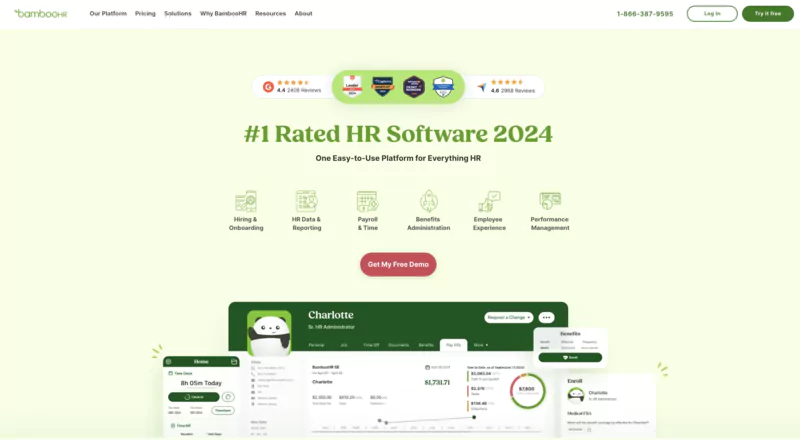
| Criterion | Details |
|---|---|
| Overall Rating | 9.3 / 10 (G2 & Gartner) |
| Target Audience | SMBs and scale-ups ≤ 300 employees |
| Key Integrations | 125+ connectors (ADP, Slack, Zapier, Google Workspace, QuickBooks) + open REST API |
| Implementation & Change | 4–6 weeks, led by 1 HR admin with an Implementation Consultant |
| Certifications & Compliance | SOC 1 & 2 Type II, 24/7 scans, native MFA |
| Risks / Watchouts | Limited Essentials pack (no advanced reporting), payroll & compensation modules at extra cost, no dedicated EU storage |
| 2026 Pricing | Upon request; entry price ≈ $8.80/employee/month with automatic volume discounts |
| Critical Verdict | Ideal solution for SMBs with limited IT resources; budget for payroll/compensation modules and verify data localization for GDPR. Handles collection, electronic signature, and secure storage of employment contracts. |
ClearCompany
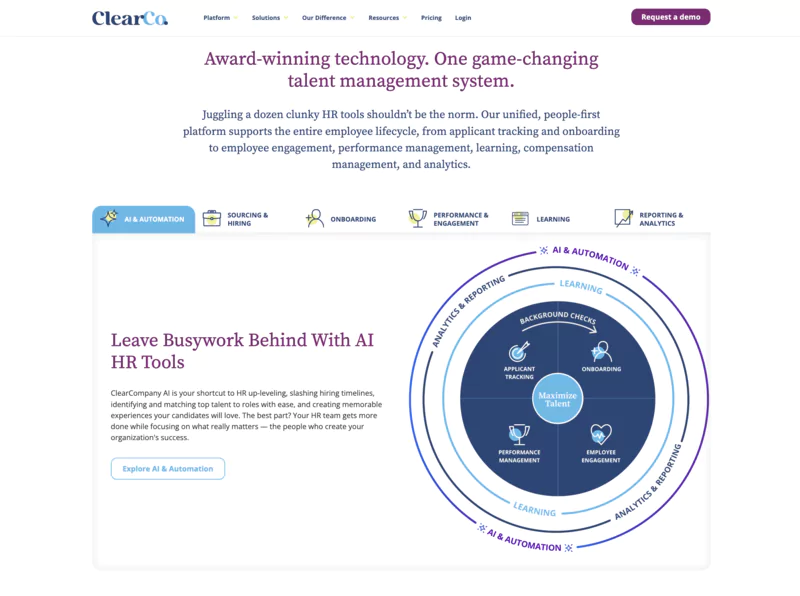
| Criterion | Details |
|---|---|
| Overall Rating | 8.8 / 10 (PeopleManagingPeople + G2) |
| Target Audience | 250–5,000 employees, strong "data talent" culture |
| Key Integrations | Bidirectional connectors ADP Workforce Now, Paylocity, Slack, LinkedIn; third-party API for other HRIS |
| Implementation & Change | Paylocity → ClearCompany integration guide (field mapping, webhooks); average project 8–12 weeks depending on modules |
| Certifications & Compliance | SOC 2 available on request, API audit-log; USA data centers |
| Risks / Watchouts | Dense UX → training required (< 1 FTE HR / 2 weeks); cost increases with Performance + Comp modules; limited mobile onboarding |
| 2026 Pricing | $11–$15.40/employee/month (onboarding module only, upon request) |
| Critical Verdict | Ideal cockpit for correlating recruitment-retention; too expensive if sole need = contract signing. |
HiBob (bob)

| Criterion | Details |
|---|---|
| Overall Rating | 8.5 / 10 (Ease of Use 4.6/5) |
| Target Audience | Multinational scale-ups (SaaS, e-commerce) |
| Key Integrations | 100+ connectors (G Suite, Slack, MS Teams, Deel, Payfit, Greenhouse) + GraphQL API |
| Implementation & Change | Core HR live in 60–120 days; +20–30 days/module Talent & Compensation; express onboarding in 31 days (Melio, 600 FTEs) |
| Certifications & Compliance | ISO 27001, SOC 2; EU/US data centers; SSO SAML/OIDC |
| Risks / Watchouts | No native payroll → integrator dependency; implementation 10–20% ARR; complex workflows → need for internal project manager |
| 2026 Pricing | $17.60–$27.50/employee/month + implementation |
| Critical Verdict | Perfect for strengthening culture and tracking skill development; budget and HR/IT owner needed to manage workflows. |
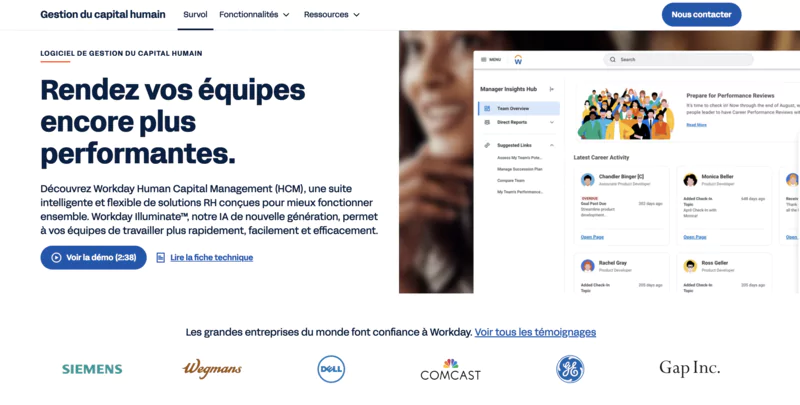
Workday HCM
| Criterion | Details |
|---|---|
| Overall Rating | 8.2 / 10 (Gartner 4.4/5) |
| Target Audience | Groups > 5,000 employees, multi-site |
| Key Integrations | 600+ Workday Studio packs; Journeys ↔ Onboarding in R2 2026 |
| Implementation & Change | 6–14 months depending on scope; certified integrator + 3–5 internal FTEs; 24/7 customer support |
| Certifications & Compliance | SOC 2, ISO 27001, FedRAMP, GDPR |
| Risks / Watchouts | High cost (license & implementation); variable UX depending on configuration; payroll/finance vendor lock-in |
| 2026 Pricing | Annual license + implementation (upon request) |
| Critical Verdict | High ROI if Finance + HR are unified and volumes justify; long adoption curve otherwise |
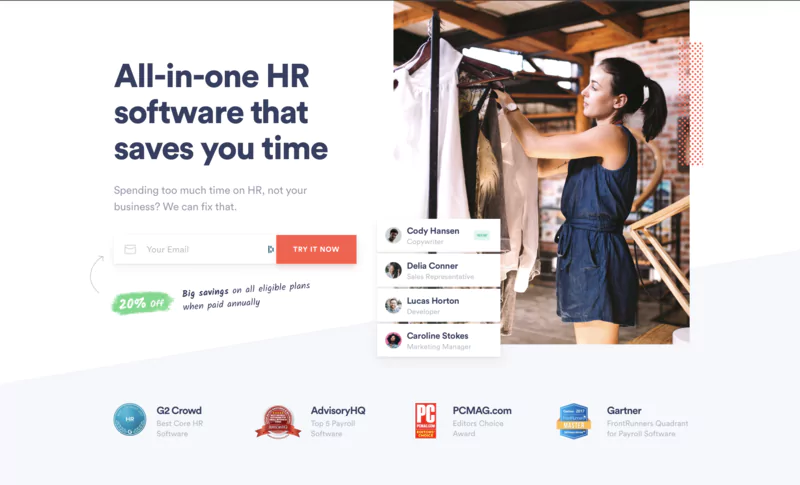
Zenefits (TriNet)
| Criterion | Details |
|---|---|
| Overall Rating | 8.0 / 10 (G2 4.0/5) |
| Target Audience | SMBs ≤ 200 employees, US-centric focus |
| Key Integrations | Slack, G Suite, Salesforce, QuickBooks, 40+ apps; Health EDI (8–12 weeks) |
| Implementation & Change | 6–8 weeks average; configured by HR admin |
| Certifications & Compliance | SOC 2 certified; public security profile (Nudge) |
| Risks / Watchouts | Limited features outside US; rigid payroll/benefits rules; TriNet dependency |
| 2026 Pricing | Essentials $8, Growth $14, Zen $21/employee/month (annual) |
| Critical Verdict | Good price/features ratio for local SMBs; watch out for international use and advanced analytics |
| Employee Data Updates | Centralizes and automates employee data updates, from contract to onboarding, ensuring GDPR compliance and reducing no-shows |
The software makes it easy to update employee information to ensure regulatory compliance and optimize the onboarding process for new hires or minimize interview no-shows. It also centralizes administrative procedures and follows the key integration steps from the acceptance of the offer to the first months of taking up a position.
The costs of onboarding software

Onboarding software costs can vary depending on several factors, such as the size and complexity of the business, as well as the features and tools offered by the software.
In general, costs include license fees, which may be charged per user or per month, set-up fees, which cover the installation and initial configuration of the software, and maintenance fees, which include updates and technical support.
In addition, some software allows accurate monitoring of working time, in addition to other functionalities such as onboarding and leave management, which allows companies to customize their HR system according to their specific needs.
It is important for businesses to properly assess their needs and compare the different options available to choose a solution that offers good value for money.
By investing in the right onboarding software, businesses can achieve long-term savings through better employee retention and optimization of onboarding processes.
Rapid assessment checklist
| Axis | Questions to Ask the Provider |
|---|---|
| IT Integration |
|
| Deployment |
|
| Data Migration |
|
| Security & Compliance |
|
| Risks |
|
Key needs for the offboarding in an onboarding software
A good onboarding tool must also manage the “reverse” phase: release access, recover assets and comply with legal obligations when an employee leaves the company.
An onboarding tool saves time, digitizes the reception stages and ensures compliance with legal obligations while improving the company's image.
Without this offboarding brick, you run the risk of data leaks, non-compliance, and unnecessary costs associated with inactive licenses.
| Pillar | Essential Features | Why It's Critical |
|---|---|---|
| Instant Access Revocation |
|
Reduces compromise risk; SOC 2 and ISO 27001 requirement (< 24h deletion) |
| Equipment Return & Tracking |
|
Impossible to leave a device unrecovered: sensitive data out of control. Device-by-device tracking recommended. |
| SaaS License Cleanup |
|
Avoids unnecessary billing on Slack, Microsoft 365, etc. and reduces SaaS expenses. |
| GDPR Archiving & Purging |
|
GDPR imposes strict retention periods and right of access/portability. |
| Compliant Exit & Legal Security |
|
Reduces litigation risk and facilitates labor inspections. |
| Exit Interview & Feedback |
|
Captures departure causes to improve future retention. |
| Compliance Reporting |
|
Facilitates SOC 2, ISO, or GDPR audits. |
| Automation & Workflow |
|
Guarantees no step is forgotten, including remote work. |
Conclusion
Your company's onboarding program can make or break the first impression of new employees. A quality welcome from day one is crucial for retaining employees and strengthening the company's image.
According to a study, 69% of employees are more likely to stay with a company for three years after an onboarding experience.
Here are employee onboarding tools that are sure to increase talent retention and employee satisfaction:
- BambooHR: the best SaaS for small and medium businesses
- ClearCompany: Best Talent Management System
- SIRH Hibob: Best flexible solution for growing businesses
- Workday HCM: Best fit for remote or hybrid workplaces
- Talmundo: Best solution to personalize the employee onboarding process
- Zenefits: Best integration solution on a low budget
- Eddy: Best paperless boarding solution
Remember that your employees are an asset to the company. It is therefore essential to choose them wisely and to retain the best elements to achieve your organizational objective. A well-structured and monitored integration process can greatly contribute to employee retention and engagement.
Here are other related blog posts:
- Are you looking to manage the planning of your meetings? Here are my top picks of appointment scheduling software.
- Are you trying to develop your business software integrations? Discover the best ERP software systems.
- Do you want a better way to structure your business organization chart? Here is my pick of the best organization chart software.
FAQS
What is the average cost per employee?
For a basic package, count: around 8 €/employee/month (Zenefits Essentials or BambooHR Essentials), 16 — 25 €/employee/month for HiBob, while Workday is only traded on quotation and remains several times more expensive.
How long does it take to get up and running?
BambooHR deploys in 4 — 6 weeks, HiBob requires 1 to 4 months depending on the modules, ClearCompany runs around 8 — 12 weeks, and Workday often requires 6 to 12 months for a global scope.
Are SSO and provisioning integrations really automatic?
Yes, if the solution exposes a SCIM connector or an open API; without SCIM, the creation and especially the revocation of accounts remain manual, and therefore risky. Also check for SAML 2.0 or OIDC support for SSO.
How does the tool handle offboarding and access revocation?
Leading platforms trigger a reverse workflow: SSO/LDAP deactivation, ITSM ticket to retrieve hardware, SaaS license audit, and GDPR purge. Request a real-time alert if a stage exceeds 24 hours.
What security and compliance guarantees are obtained?
BambooHR displays SOC 1 & 2 Type II, HiBoB adds ISO 27001, Workday combines ISO 27001, FedRAMP, RGPD and more. Always ask for the latest audit report and the exact location of the data.
Is the migration of my Excel data or my old HRIS complicated?
CSV import is standard everywhere, but only ClearCompany and Workday offer advanced mapping tools and even high-volume, paid recovery services. Plan to clean the fields before importing.
What hidden costs should I anticipate?
Pay or performance modules billed in addition (BambooHR, Zenefits), implementation fees of 10 — 20% of the annual contract (HiBoB), additional integrator services in the event of a change in Workday scope. Negotiate these points from the start to avoid a surprise bill.


.avif)