.svg)
EPUB to PDF conversion: complete guide. Online, offline, Android, and iOS options explored. Step-by-step instructions provided.

There are many applications and websites that allow you to convert an EPUB file to a PDF.
Here we'll see online versions, offline versions, converters for Android, and more.

Steps for converting EPUB to PDF:
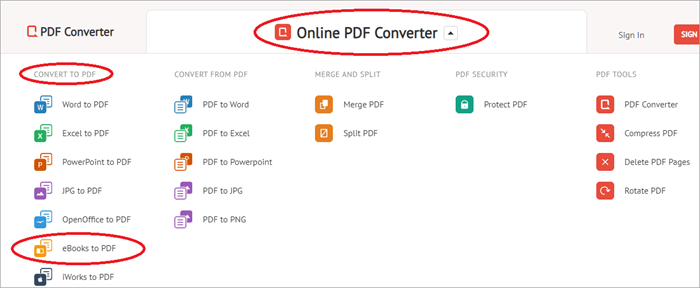
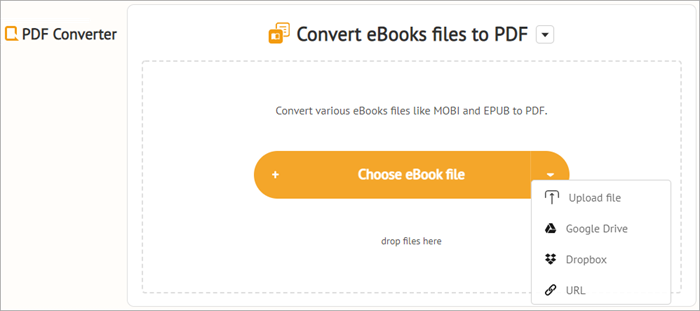

To convert more than one EPUB file, you need to register or identify yourself or wait more than 20 minutes.
Pricing
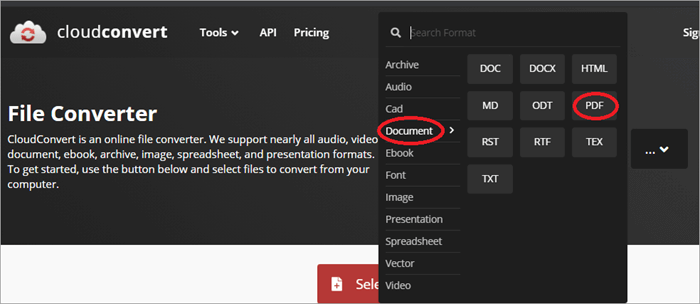
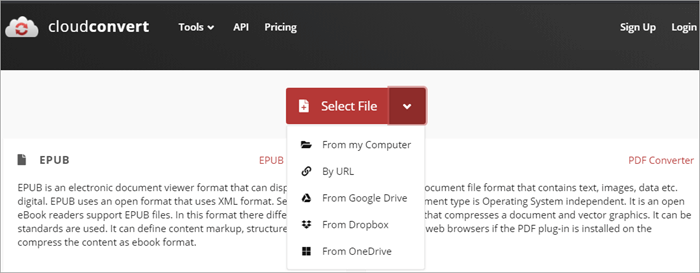
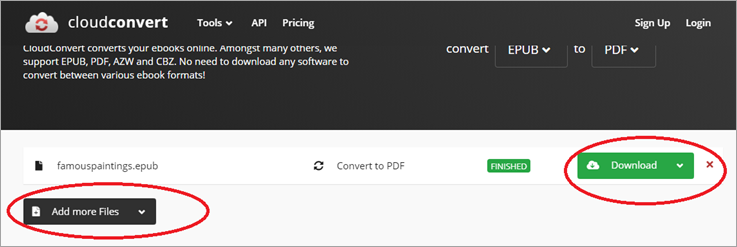
Cloud Convert is a very well known tool for converting a wide range of file formats into other formats. Its powerful API allows for high-quality conversions of over 200 formats.
Follow the steps below:

Pricing
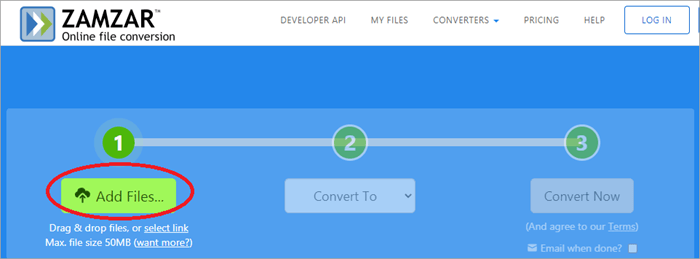
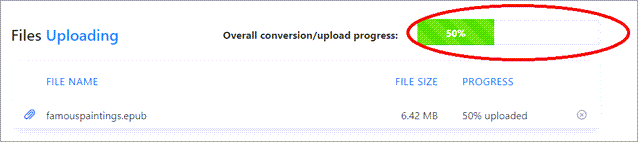
Zamzar is an easy to use EPUB to PDF converter. Besides converting numerous file formats, you can also compress audio files, documents, images, and videos.

Follow the steps below:


You can also convert other files.
Pricing
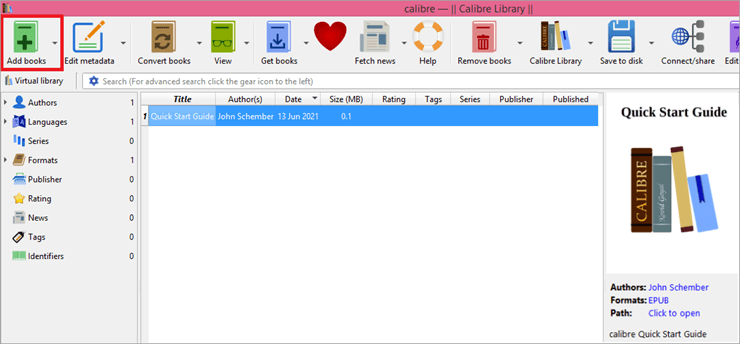
Calibre is an open-source EPUB conversion application with an ebook library management function. It also allows you to edit metadata, change text size and font, create a table of contents, replace text, and customize the size of the output page.

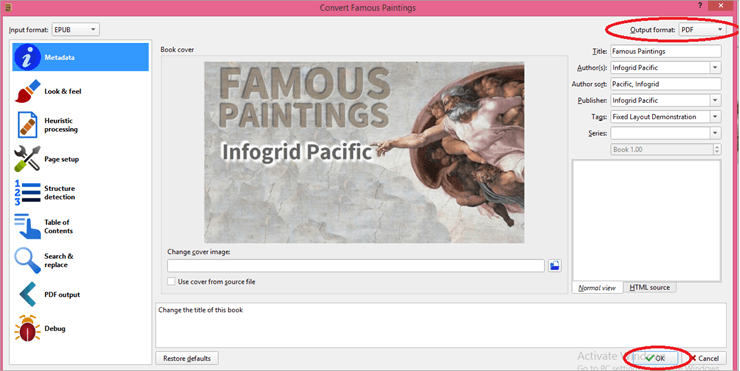

Converting EPUB to PDF using Adobe Digital Edition is extremely easy.
Follow the steps below:

You can also use Adobe Digital Edition to convert EPUB to PDF on Mac.
EPUB Converter is an application for Windows that allows you to convert your EPUB files into the file format of your choice.
Follow the steps below:

Price: Free
Smartphones have become practical tools for reading novels and other documents. If you don't have an ebook reader on your device, you can use these EPUB to PDF conversion tools to read them on your Android device. While Caliber is the best tool for Android, here are other tools you can rely on:
With this application, you can convert your EPUB to PDF and other file formats. And you can do that on your smartphone. The conversion is done with the help of calibre on the program developer's server.
Follow the steps mentioned below:
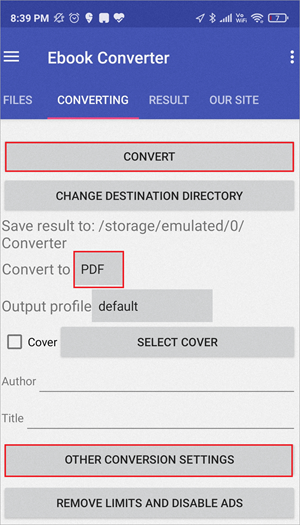
Pricing: Free
This application allows you to convert EPUB to various file formats and vice versa.
Refer to the following steps:
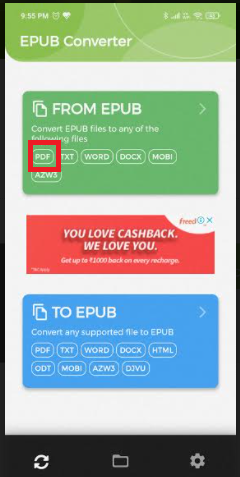
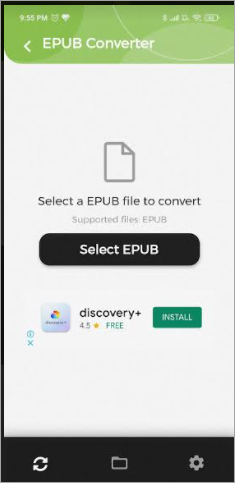

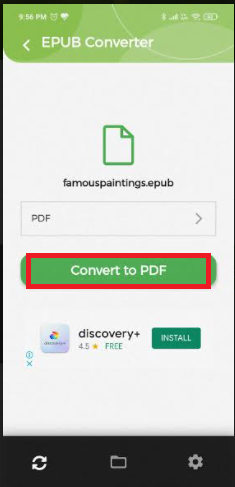
Pricing: Free
You can use some Windows tools for iOS as well. You can download Caliber for iOS devices. Apart from that, here's how you can convert EPUB to PDF.
Refer to the following steps:

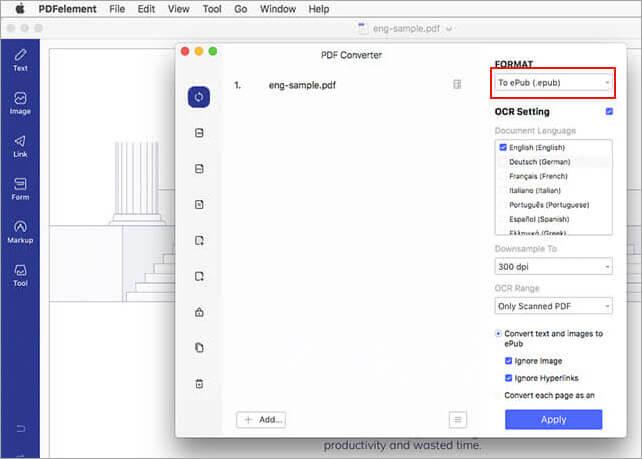
Pricing: Free
Refer to the steps below:


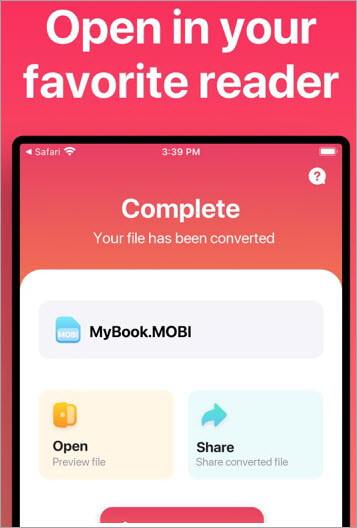
Pricing: Free
Follow the steps below:
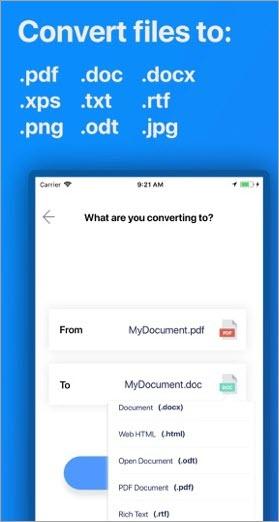
Pricing: Free
You can also look for other EPUB to PDF converters in the Apple Play Store.
Suggested reading =>> The best PDF to Word conversion tools
Yes. There are numerous websites and tools that make it easy to convert EPUB files to PDFs. You can use Caliber, Zamzar, Convertio, etc. to convert files of any format to other formats.
There are lots of tools available. However, Caliber is the most used tool to convert EPUB to PDF. Zamzar and Adobe Digital Editions are also widely used for this purpose.
No, you can't open an EPUB file in Adobe. For that, you need to convert it to PDF. You can use Adobe Digital Editions or Calibre or similar tools to convert EPUB files to PDFs.
Not all devices support EPUB file formats. Therefore, you may need to convert EPUB files to PDFs to easily access and read them on all of your devices.
There are numerous tools, online or in the form of applications, that allow you to convert EPUB files to PDFs. Caliber has proven to be the most effective and popular tool, while Zamzar and Cloud Covert are also widely used.
Most tools also allow you to download and share the converted file. Find the one that fits your needs and easily read your EPUB files anywhere, on any device, anytime.







.avif)