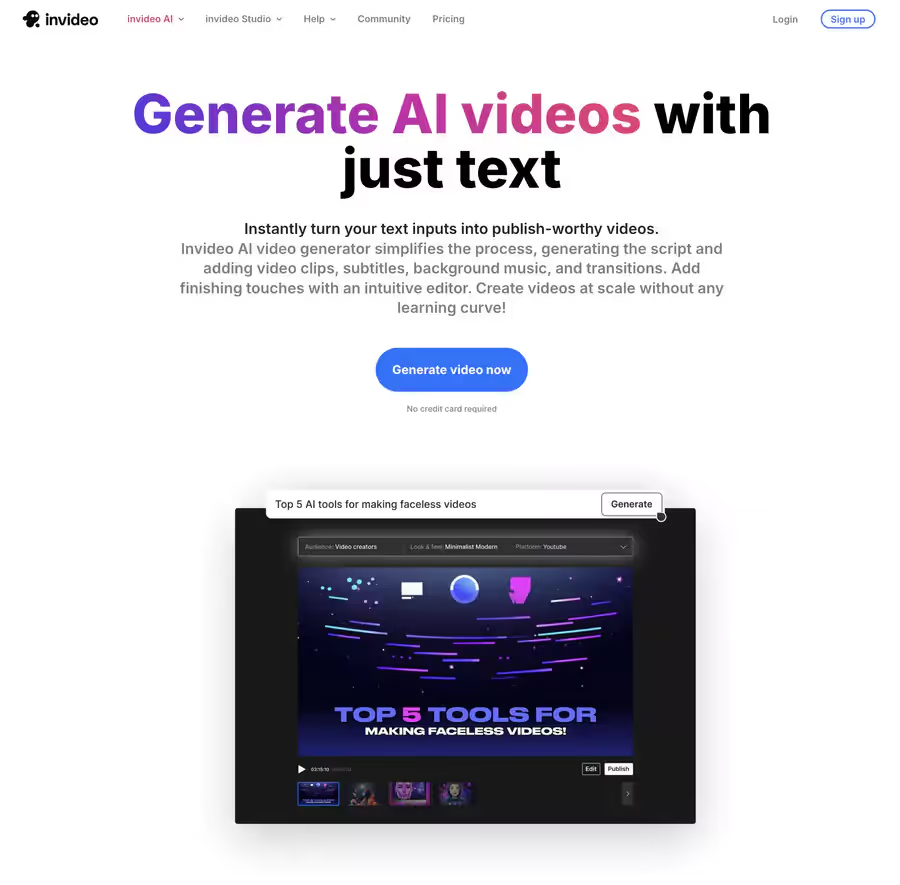
InVideo is an AI-powered online video editing platform designed to transform text-based ideas into professional videos without advanced technical skills.
It serves to quickly generate content for social media, ads, presentations, or training using simple prompts and automated tools.
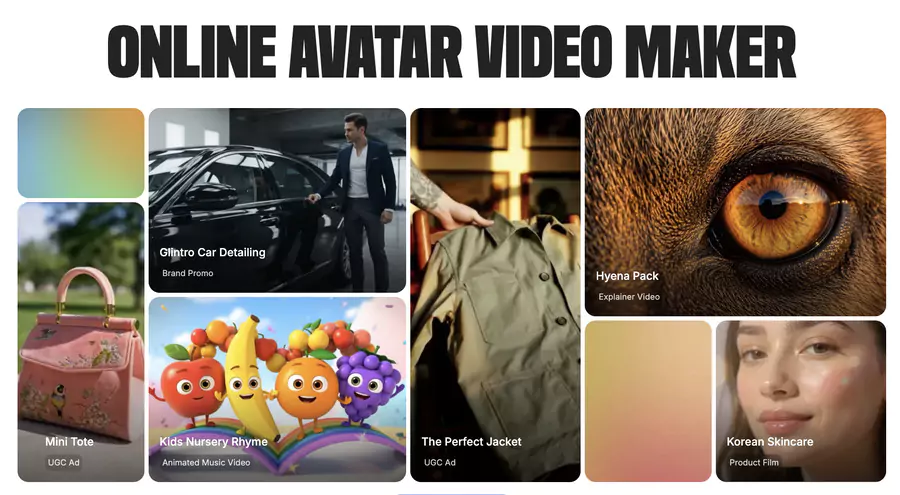
InVideo focuses on features like AI avatars and generative scenes, making video production accessible to everyone.
Ideal for marketers, entrepreneurs, content creators, and SMEs, it accelerates UGC (user-generated content) creation and optimizes marketing workflows.
How does AI-powered video generation work on InVideo?
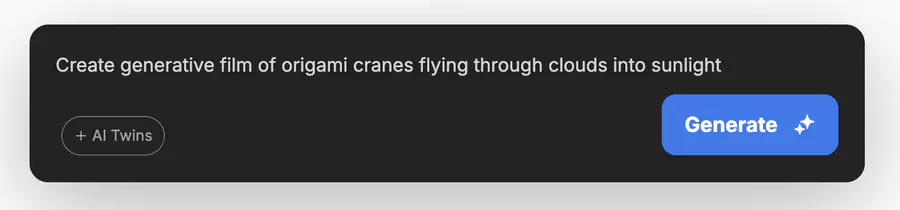
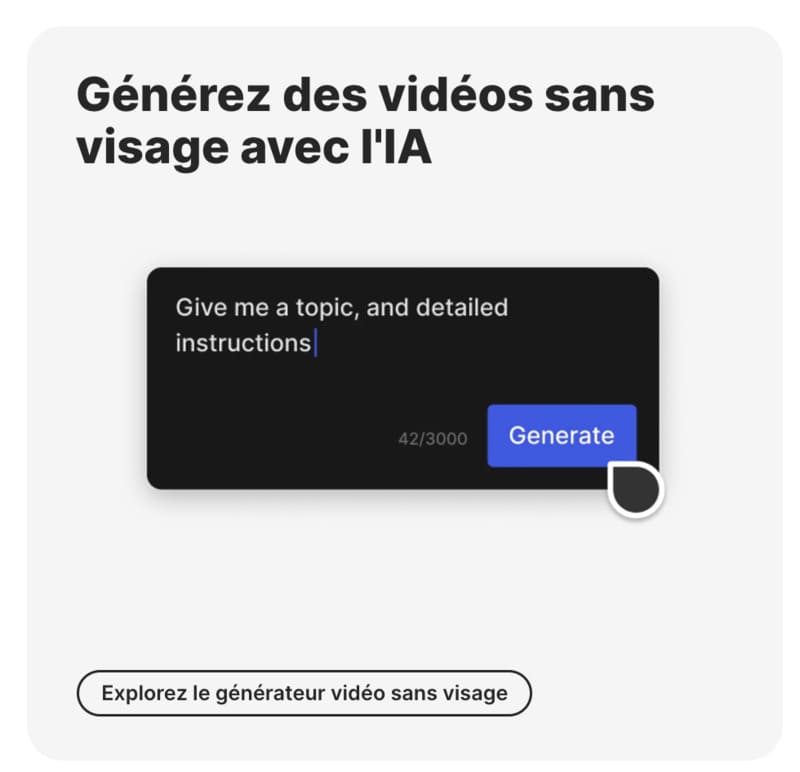
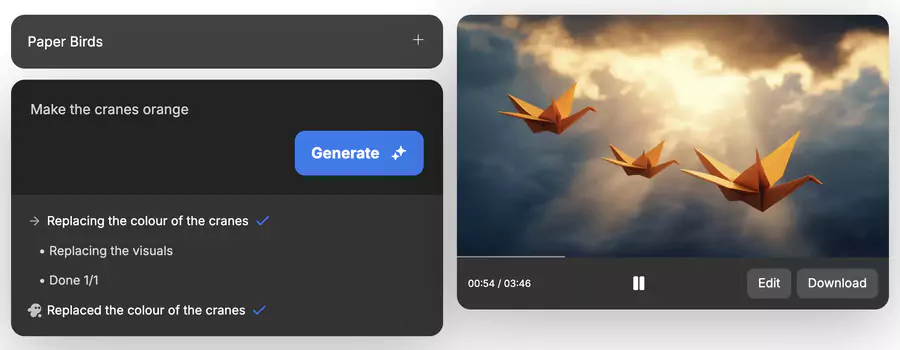
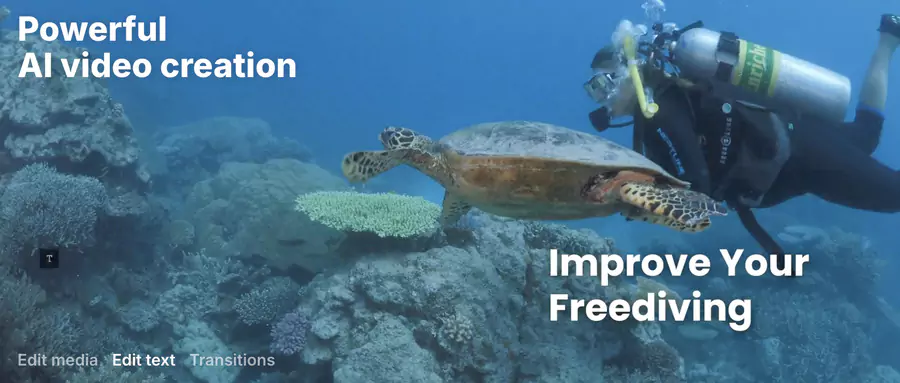
InVideo uses AI to convert text into video: enter a prompt (e.g., "Create a 30-second ad for an eco-friendly product with upbeat music"), choose a style or template, select the desired video type (for example: explainer, advertising, UGC, avatar, etc.), and the AI automatically assembles clips, voiceovers, music, and captions.
Then edit via a drag-and-drop interface to add transitions, effects, or logos. The process often takes less than 5 minutes for a complete video, with multilingual support (50+ languages) and resolutions up to 1080p.
2026 updates include more natural voiceovers and real-time generation.
Main features available
AI video generator: Text-to-video, AI avatars for UGC, audio editing, and royalty-free music addition.
Integrations: Social networks (direct export to Instagram, YouTube), custom logos, and text elements.
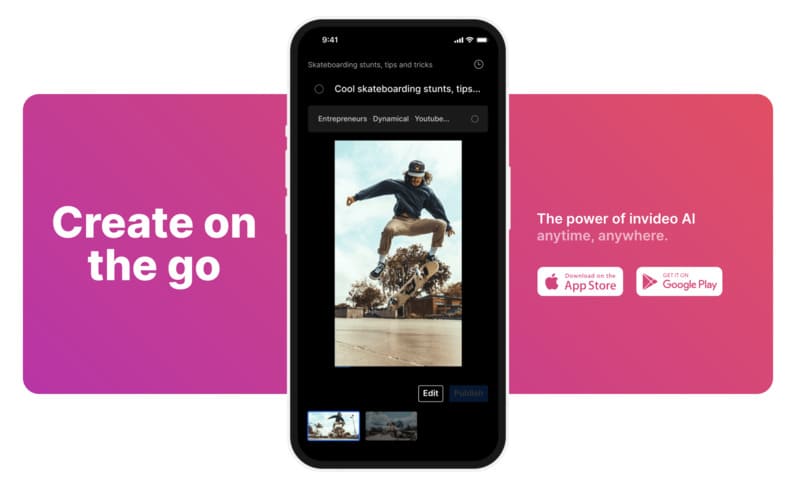
Mobile and web applications: Dedicated apps available to easily create and edit videos from any device, ensuring a smooth and compatible user experience.
Other: AI voiceover, 24/7 support, mobility via iOS/Android apps for mobile editing.
Use cases: Promo videos, social networks, educational training, or sector-specific ads (e.g., skincare or travel).
Does InVideo offer predefined models or templates?
Yes, with over 5,000 adapted templates (e.g., brand promos, explainers, TikTok reels, nursery rhymes). They cover various sectors and styles, facilitating quick and personalized creation.
What types of users is it suitable for? Is it easy for beginners?
InVideo targets non-experts: marketers for ads, entrepreneurs for presentations, community managers for social networks, and trainers for educational videos.
For beginners, the intuitive interface and tutorials make the tool accessible – no need for pro editing, just a prompt. Experienced users appreciate advanced options like unlimited export on paid plans.
Reviews, strengths, limitations, and alternatives to InVideo
• Limited video specialization
• No advanced narrative control
Freelancers, small businesses
🎞 Animoto
4.2 / 5
$0 • $19 • $39
• Pro slideshows
• Simple text → video
• Audio library
• Easy and fast
• Perfect for education / simple slides
• Little AI
• Less immersive quality
Education, NGOs, small brands
🌅 Lumen5
4.6 / 5
$0 • $19 • $59 • $149
• Blog/article → video
• Integrated media library
• Scripted AI generation
• Fast for LinkedIn/SEO
• Ideal for editorial marketing
• Sometimes mechanical narration
• Expensive business plans
Marketers, content agencies
🆕 HeyGen
4.7 / 5
$29 • $89 • Pro on quote
• Realistic AI avatars
• Voice cloning
• Multilingual video
• Virtual presenter
• Impressive avatars + voices
• Modern alternative to Synthesia
• Paid quite quickly
• Limited branding on entry level
Startups, corporate, pro YouTube creators
🆕 Kapwing AI
4.5 / 5
$0 • $16 • $50
• Automatic shorts generation
• AI transcriptions
• Cloud collaboration
• Social templates
• Ultra fast for TikTok/Reels
• Collaborative cloud editing
• Less personalized
• Not designed for long films
Social creators, growth marketers
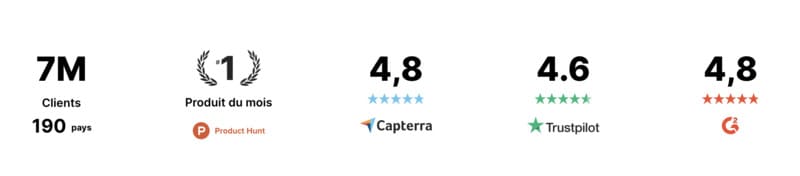
InVideo AI is often considered one of the best AI video generators available.
Where and how to download or use InVideo?
InVideo is primarily web-based (access via invideo.io), no download required. Mobile apps: Available on iOS (App Store) and Android (Google Play) for mobile editing. Sign up for free to test.
How much does InVideo cost?
Here's a table of 2026 pricing:
🎬 InVideo pricing and plans (2026)
📦 Plan
💵 Price / month (annual billing)
⚙️ Key features
⚠️ Limitations
🆓 Free
$0
10 min video / week, 1 AI credit, 4 exports with watermark, 1 basic avatar
No advanced generative features, mandatory watermark
✨ Plus
$20
50 AI min / month, 80 iStock resources, unlimited exports without watermark, 100 GB cloud storage
No premium avatars, limited AI credits
🚀 Max
$48
200 AI min / month, 320 iStock resources, premium avatars, unlimited HD exports, increased storage
AI credits capped (beyond that, additional purchase required)
🏢 Enterprise
On quote
Custom solutions, enhanced security, unlimited avatars and resources, dedicated support
Custom pricing only
Final advice
InVideo democratizes video creation with its intuitive AI, ideal for accelerating your content without expertise. Test the free plan for quick ads or social networks, and upgrade to Plus for more power. Visit invideo.io to get started!
Update and improvement: Is InVideo truly innovating?
InVideo constantly evolves to offer an increasingly efficient and accessible experience for all users.
New AI features
The platform has recently enriched its generator with major innovations:
Text-to-video generation: transform your written ideas into visual content
Custom scene creation: environments tailored to your message
Ultra-realistic voiceovers: natural and expressive intonations
Automatic subtitles: perfect synchronization with your content
Adapted styles: customization according to your target audience
Redesigned interface
The user experience has been completely revised to simplify creation:
📈 InVideo experience improvements (Before vs Now)
📌 Aspect
⏮️ Before
⏭️ Now
🧭 Navigation
Complex, scattered menus
Fluid and logical, simplified path
🎬 Editing tools
Hidden in menus
Accessible in one click from interface
🎨 Customization
Long and inflexible process
Simple and fast, accessible for any project
📚 Getting started
Training required to begin
Immediate even for beginners
Expanded library
InVideo now offers a broader range of content:
Supported video types:
Educational content and training
Social media advertising
Business presentations
Technical tutorials
Varied marketing content
Available styles:
Modern and minimalist
Dynamic and colorful
Professional and sober
Creative and artistic
Cutting-edge AI technology
The platform intelligently generates:
Scenes adapted to your message
Subtitles automatically synchronized
Voiceovers matching your audience
Transitions fluid between sequences
Visual effects consistent with your style
🏆 Market position
Thanks to these continuous innovations, InVideo maintains its place among AI video generator leaders.
Competitive advantages:
Fast and efficient editing
AI-assisted creativity
Advanced customization
Regular updates
Transformation of ideas into impactful content
These improvements allow every user to create professional-quality videos, regardless of their technical skill level.
Customer Support
InVideo's customer support is designed to provide continuous assistance and enrich your video generation experience and knowledge.
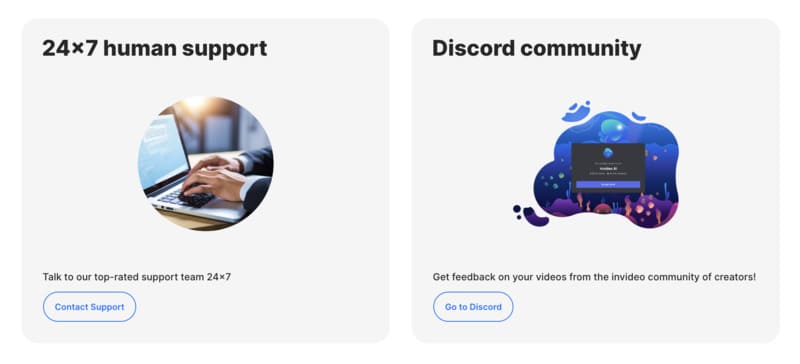
24/7 Assistance: Access help at any time via the "Contact Support" option.
Email: Send your requests via "Email us" for prompt responses.
Tutorials: Browse tutorials to master InVideo functions independently.
Webinars: Participate in regular sessions to deepen your knowledge.
Discord Community: Join the community on Discord for constructive exchanges with other creators.
Creator Feedback: Benefit from InVideo community feedback to refine your videos.
InVideo's customer support is a valuable resource, making video generation more intuitive and collaborative. The various support channels ensure you have the necessary assistance at every step of your creative journey.
InVideo: Pros and Cons for Your Video Creations
What Works Well
Quick to master You open InVideo and immediately understand where to click. Even without video training, you create your first edit in 15 minutes. The interface guides your actions step by step.
16 million resources at your disposal Photos, videos, music, effects: everything is in the platform. No need to search for royalty-free images elsewhere. You save time on content research.
AI writes your scripts Describe your project in a few words. This application automatically generates your video text. This function particularly helps when you lack inspiration to structure your message.
Automatic voiceover Type your text, select a voice. InVideo reads your script with natural intonations. Multiple languages are available, including French with different accents.
Teamwork made easy Your team edits the same project simultaneously. Comments are added directly to the timeline. Useful for agencies or marketing teams validating together.
Templates for all needs Instagram ad, online training, product presentation: each format has its models. You replace text and images, your video is ready. Ideal for maintaining visual consistency.
Points of Attention
Variable AI voice quality Some voices still sound mechanical. Emotions don't always come through. Listen to several options before choosing. Sometimes your own voice remains more authentic.
Export limitations Not all formats are supported. Check compatibility with your distribution platforms before starting your project. YouTube and Facebook work well, others may pose problems.
Possible slowdowns Long projects with many effects make the interface lag. Your computer heats up, export takes time. Allow longer time slots for complex videos.
Limited customization on some templates Some templates lock colors or fonts. You can't always adjust according to your brand guidelines. Test before committing to a model.
Requires stable connection Everything works online. An internet outage loses your unsaved work. Remember to save regularly, especially during long sessions.
Conclusion
InVideo service stands out for its ease of use and versatility, allowing even novices to create various formats of professional videos.
Its wide range of predefined templates and generous free offer are major assets, allowing risk-free exploration of its features.
However, depending on specific needs, other alternatives like Fliki for text-to-video conversion, FlexClip for tutorial videos, Pictory to transform articles into videos, and Elai for mass video generation can be considered.
Each of these platforms has unique advantages with distinct pricing structures.
In short, InVideo service is a solid choice for simplified and economical video generation, making video production accessible to a wide range of users.
But then, what's the best AI video generator? According to criteria like ease of use, feature richness, and value for money, InVideo clearly stands out among available solutions.
FAQ
Is InVideo a video editing software?
Yes, InVideo is an AI-based editing software, allowing any user to generate personalized videos using technologies like AI avatars and intuitive editing tools.
How to create ads with InVideo?
To create ads, use InVideo's predefined social media video generator templates, integrating AI avatars and e-commerce elements to effectively target a specific audience.
Does InVideo AI offer a stock list for videos?
Yes, InVideo offers an extensive list of stock media (images, music, clips), which users can integrate in any way to enrich their videos.
How does InVideo video generator bring your ideas to life?
InVideo brings your ideas to life by converting text prompts into dynamic videos, with AI avatars and tools for various audiences, from e-commerce to social media.
Does InVideo support cards for payments?
Yes, InVideo accepts credit cards for subscriptions, allowing users to unlock advanced features like selfie style and unlimited exports for any country.
FAQ
TRANSPARENCY ON PARTNERSHIPS We carefully choose the software, platforms, and services we recommend based on their quality and reliability. Our team tests and approves them, regardless of any business agreements.If you make a purchase or sign up through our partner links, we may earn a commission. This doesn’t cost you extra and helps keep our content free.
PhantomBuster: launch your first LinkedIn campaign without the busywork
Build a targeted prospect list, enrich profiles, and organize follow-ups in one workflow. Spend less time moving data and more time personalizing your message.
14 days free. No credit card or automatic charge. Includes 2 execution hours and 5 automation slots.
Set your targeting and daily limits, run one Phantom, and export a prospect list ready to work.
.svg)