.svg)
SurveySparrow Inc., created in 2017 in Palo Alto, is a survey management tool that turns traditional surveys into interactive exchanges, offering a smooth user experience. This software is characterized by a chat-like interface, making interaction with participants more natural.
Over time, SurveySparrow has evolved into a comprehensive experience management tool that is useful for employers and customer relationship teams. It helps to evaluate and optimize the user experience, by offering tools to create adapted surveys, get detailed feedback, and review data to improve satisfaction.

With more than 50,000 customers within 149 countries, SurveySparrow is used by recognized companies suchlike FedEx, Gucci, Deloitte Digital, and Duke University. This diversity of users illustrates the effectiveness of the platform in different areas.
SurveySparrow features include:

SurveySparrow stands out for its ability to improve the user experience while offering solutions Accessible and tailored for businesses, regardless of their size or activity.
SurveySparrow is perfect for individuals and businesses of all sizes to better engage with customers, employees, salespeople, and more.
This tool will help you improve the experience of your stakeholders by conducting engaging surveys that will allow you to learn a lot of lessons and drive the growth of your business.
The software is flexible and affordable and offers great customer support to quickly resolve any issues. Plus, SurveySparrow saves you money and time because its mobile version is perfect for smaller screens and displays well on all devices. Conversational style is great for boosting engagement levels.
All in all, it's a great app for collecting opinions on a variety of topics.
SurveySparrow is perfect for:
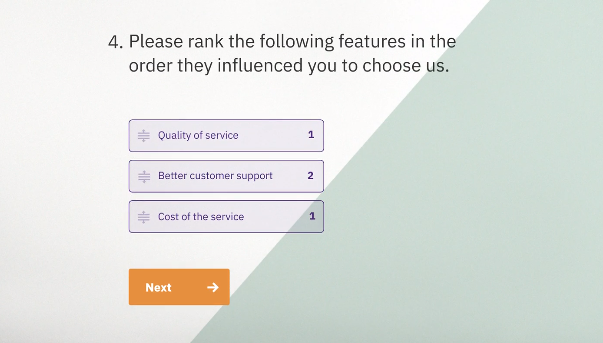
The SurveySparrow software is an all-in-one business ecosystem with lots of features. It's the easiest way to turn a blind eye to feedback and take your business to the next level.
Below, we take a quick look at some of the main features of the platform, but first, here's a list of some of the many features available and the different things you can do with SurveySparrow:
This list of features only scratches the surface.
Here is a more detailed list of some of the most important features of this popular app:
SurveySparrow allows you, your business, and your company to create any survey, for any purpose, in any language. You can start from scratch and create your own survey or use pre-built templates to make your work easier.
“Classic” forms are designed to be conversational, and “Chat” surveys keep the dynamic factor. The user interface (UI) of these surveys resembles a conversation on Whatsapp or similar software.

In this SurveySparrow review, we'll see that the platform has easy sharing options that allow you to share surveys across all of your marketing channels, including web, mobile, social media, social media, email, and more.
That way, you can create a convenient process for collecting feedback from your target audience.
You also have recurring surveys to send surveys to your audience at regular intervals to help you assess the pulse of employees or customers on a consistent basis.

SurveySparrow has 360° feedback software that helps you create customizable evaluations to gather actionable employee data and feedback.
This feature makes evaluations very intuitive, and there are also robust reporting functions and cross-checking tools to help you generate customized development plans for your employees.
The best part of this comprehensive SurveySparrow review is that evaluations can be designed to be used as part of the process of continuously evaluating the performance of your business or organization, instead of limiting yourself to an annual ritual.
The Net Promoter Score or NPS is one of the best questions you can ask to keep your customers coming back, and SurveySparrow has a dedicated NPS platform to help you with that.
It has features specially designed to allow you to automatically create a fandom client.
For example, you can ask:” How likely are you to recommend this product to friends and family? “and the interviewee will express their wishes on a simple scale of opinion ranging from “Not very likely” to “Extremely likely.”
Of course, you can phrase the question in a way that best suits your industry, business, and your own business or company, as in the example below:

Based on this ranking, you can divide customers into detractors, passives, and promoters in order to guide your marketing strategy accordingly.
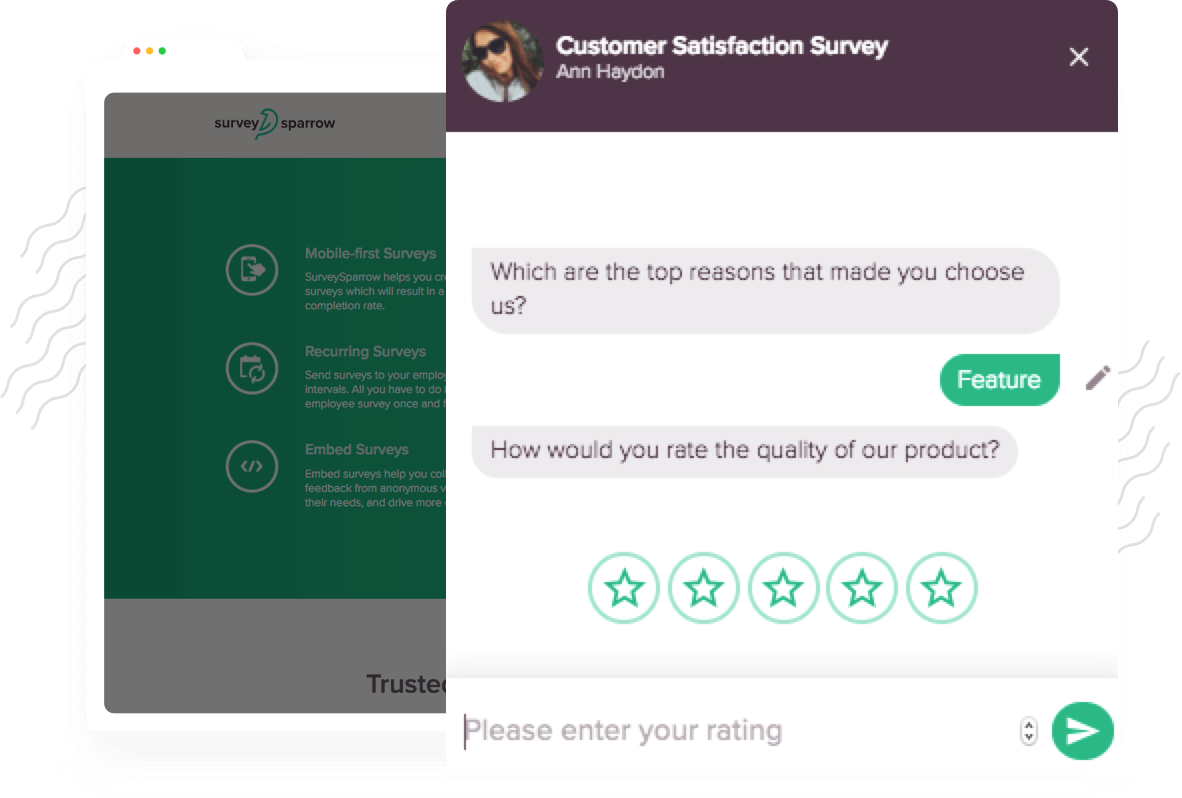
The full review of the platform shows how it allows you to integrate a chatbot on your website or product in order to generate more engagement.
You don't have to learn a single line of code to add a robot, and the hassle-free process can be completed in a few clicks.
You'll be able to design and create a chatbot that matches the voice and style of your industry or business by following the platform's intuitive instructions. Then, you can copy and paste the code onto your website, and your robot will be online.
Easily manage multiple accounts under a single parent account. For example, if you have different teams in your business, you can oversee everything from one convenient dashboard, and customers can also open them in any browser. In addition, sub-accounts benefit from centralized billing, and you benefit from hassle-free payment.
This comprehensive review explores how users can log into the account using organization credentials through the SurveySparrow site's single sign-on feature. Customers love this feature because it helps avoid juggling multiple users and ensures secure connections.
You can automate actions based on a variety of investigation triggers. Create surveys for your site and business with the best visual resolution This “set and forget” feature allows you to set conditions and execute tasks when responses come in, so you only need to set up your survey once.

This comprehensive review has features that allow you to gather feedback from anywhere in the world, in any language. You can break the language barrier and reach a wider audience thanks to it.
This means you can have a single survey with multiple languages instead of creating separate surveys for each language your audience uses. Respondents can select their preferred language from a dropdown menu before continuing with the survey.
You can also update your SurveySparrow account based on your selected languages. Supported languages are English, French, Italian, Italian, Chinese, Chinese, Dutch, Czech, Russian, and nearly 50 others.
The full SurveySparrow review also explains how, with this feature, you can create an online survey and then gather responses even when there's no Wi-Fi connection.

Data will be updated and stored when an Internet connection is established when using offline surveys. SurveySparrow ensures that there is no data loss and that the experience without the Internet is smooth.
This is a handy feature for collecting feedback or data in-store or in a remote area.
SurveySparrow offers a 14-day free trial. Its premium formulas are as follows:
Free
Basic
Premium

*The company invoices annually. It can customize your additions such as SMS sharing, additional users, sub-accounts, offline devices, and API upon request.
SurveySparrow offers comprehensive and diverse customer support to meet the needs of its users. Here is an overview of the main support options available.
SurveySparrow customer support is built around three main pillars:
Email/Helpdesk : Accessible 24/7 for all plans, this service offers an average response time of less than 24 hours. Users can contact support at support@surveysparrow.com.
Live chat : Available for Business and Enterprise plans, this service works from Monday to Friday, from 9 am to 6 pm (EST). Users benefit from an average response time of under 5 minutes, ensuring fast and effective support.
La knowledgebase is a valuable resource for all users:
SurveySparrow offers a variety of resources to help its users:
These resources allow users to quickly find answers to their questions regardless of their learning preferences.
Enterprise customers get premium support including:
This level of support guarantees particular attention to the specific needs of large organizations.
SurveySparrow is committed to maintaining a high level of customer satisfaction. The numbers speak for themselves:
This support structure allows SurveySparrow to effectively meet the needs of its users, regardless of the size of their business, by offering a comprehensive range of support options.

You can connect SurveySparrow to your favorite tools and applications to instantly create a seamless workflow.
This review also shows that the SurveySparrow software, which is based on cloud, SaaS, and web, comes with numerous integrations, including connections to thousands of apps and software tools through Zapier.
From customer relationship management and productivity to e-commerce, analytics, payments, marketing, sales automation, and more.
Integrations include (but are not limited to) the following:

Typeform stands out for its visual and interactive approach to surveys.
What SurveySparrow has in common:
Notable differences:
Typeform is ideal for creating surveys visually Attractive, perfect for brands that care about their image. However, it may be less suitable for long or complex questionnaires. Its higher price can be a barrier for some businesses.
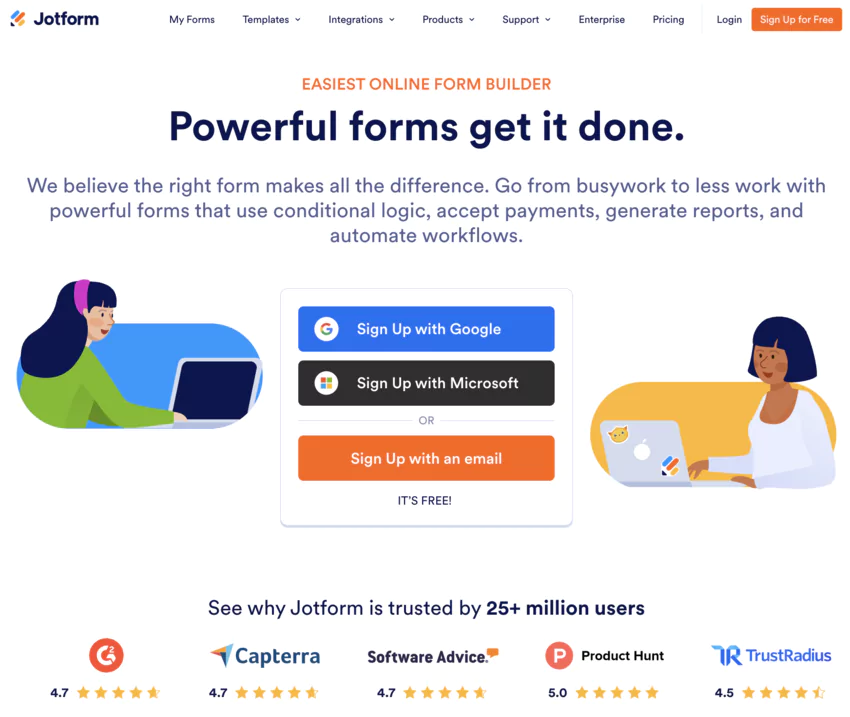
Jotform Is a solution multipurpose for creating forms, going beyond simple surveys.
What SurveySparrow has in common:
Notable differences:
Jotform is a solution completes for businesses with a variety of form needs. However, it may seem too complex for those who are only looking to create simple surveys.

Google Forms Is an option gratis and easy to use, integrated into the Google ecosystem.
What SurveySparrow has in common:
Notable differences:
Google Forms is a great option for users with needs Basics in terms of surveys and who already use Google tools. However, it lacks advanced features that SurveySparrow offers.
In summary, each alternative has its own pros and cons compared to SurveySparrow. The choice will depend on specific needs in terms of design, functionality, budget, and integration with other tools.
Here are some frequently asked SurveySparrow questions and my honest answers.
Yes, you can export survey data from your dashboard.
If you cancel a subscription before the end of the billing period, SurveySparrow can give you a pro rata refund for the unused service. Check out the official website for more details.
The most powerful aspect of SurveySparrow is that it integrates with a lot of other software tools. It doesn't just collect information; it can send submitted data to a variety of autoresponders, databases, and more. It even integrates with Zapier, which is a bridge to thousands of other useful applications.
Sign up for a free account on SurveySparrow.com. Then, select one of their pre-built templates, or create your own survey from scratch. It's the easiest way to create a survey and send it to your contacts!
Then all you need to do is download the content you need to answer the questions, choose a few more settings, and then choose the publishing method that's best for you and your audience.

Whether you have a budding startup or a full-fledged business, this all-in-one platform is perfect for the growth and success of your company and business.
SurveySparrow comes as a great alternative to Typeform for your business by collecting valuable data to help you find the answers you need, whether it's audience/employee experience, product experience, marketing, sales experience, and more.
In particular, investing in this tool will help you provide a better customer experience and timely customer support — elements that are crucial in today's consumer-king era.
In short, it's the complete set of experiences your business will ever need. It features sub-accounts, multiple users, single sign-on (SSO) for teams, multi-lingual surveys, visual workflows, and lots of other tools designed to streamline your entire workflow.
See what other SurveySparrow users said about the software:
If you're ready to try it out, simply sign up for a free trial and test the various features to see if this survey tool is right for you.