Key Takeaways
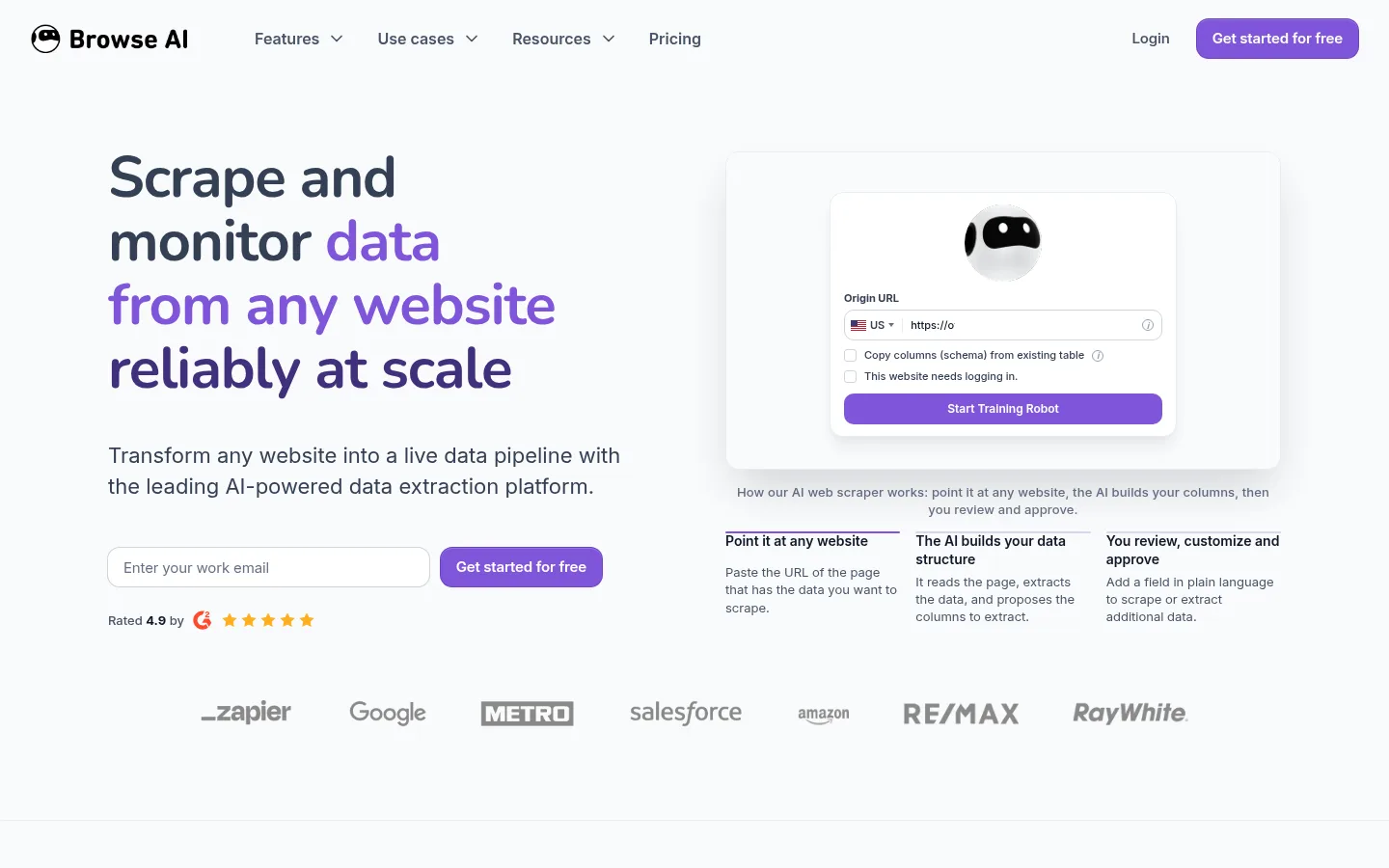
Browse AI is a no-code web scraping tool that extracts data from websites (product lists, prices, listings, job posts, directories) and monitors pages for changes on a schedule. You paste a URL, the AI suggests columns, you approve, and the robot does the rest.
What is Browse AI?
Browse AI is a SaaS platform built by a Vancouver-based team. According to the company’s About page, work started in 2020 and the first public version launched in September 2021. It targets non-technical teams in marketing, sales, e-commerce, real estate and recruiting.
New to the topic? Read our comparison of web scraping tools.
How does Browse AI work?
- One robot per task: paste the page URL and the AI proposes fields (name, price, link, rating…).
- Extraction: lists, pagination and detail pages (deep scraping by chaining robots).
- Monitoring: the robot re-checks the page at the frequency you choose and alerts you on changes.
- Integrations: Google Sheets, Airtable, Zapier, Make, Pabbly, REST API and webhooks on every plan, including Free.
Browse AI at a glance (checked on browse.ai on 2026-11-28)| Feature | Benefit | Availability |
|---|
| No-code robots | Point-and-click extraction with AI-suggested columns | All plans |
|---|
| Prebuilt robots | 250+ templates for popular websites | All plans |
|---|
| Website monitoring | Change alerts with adjustable frequency | All plans |
|---|
| Residential proxies and anti-bot handling | Fewer blocks on protected sites | All plans |
|---|
| REST API, webhooks, bulk runs | Up to 500,000 pages per bulk run | All plans |
|---|
Our verdict
Browse AI is one of the quickest ways to turn a web page into a live spreadsheet, and built-in monitoring saves a lot of custom scripting. The credit model needs planning: protected sites cost more and deep scraping multiplies usage. Public reviews are mixed: 4.8/5 on G2 from 61 reviews versus 2.7/5 on Trustpilot from 14 reviews (both checked on 2026-11-28), so test your target pages on the free plan first.
Discover Browse AI

Browse AI pricing in 2026
Browse AI plans (USD, checked on browse.ai/pricing on 2026-11-28)| Plan | Price | Credits | Domains |
|---|
| Free | $0, no card | 50 per month | 2 |
|---|
| Personal | $19/month billed annually ($228/year) | 12,000 per year | 10 |
|---|
| Professional | $69/month billed annually ($828/year) | 60,000 per year | 50 |
|---|
| Premium | From $500/month billed annually | Custom, managed service | Unlimited |
|---|
One standard page or ten rows of data equals one credit; premium sites cost 2 to 10 credits per page. Paid plans include a 60-day refund guarantee and unused credits do not roll over.
Check current terms on the official Browse AI website.
Best use cases
- Competitor price and stock monitoring.
- Lead lists from public directories (mind GDPR for personal data).
- Real estate, job and product listings.
- Feeding spreadsheets, CRMs, dashboards or LLM pipelines through the API.
Pros and cons
Pros
- Fast, no-code setup.
- Monitoring included even on Free.
- API, webhooks and integrations on every plan.
- 60-day refund guarantee.
Cons
- Credit usage can be hard to forecast.
- No credit rollover.
- Mixed results on some heavily protected sites according to part of public reviews.
Browse AI alternatives
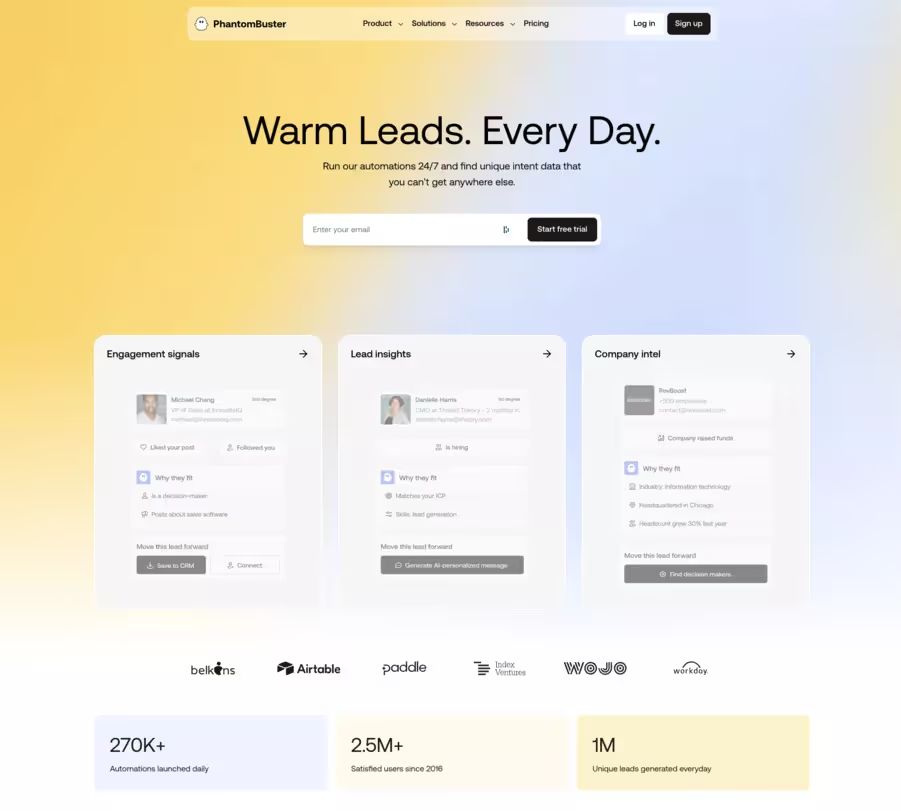
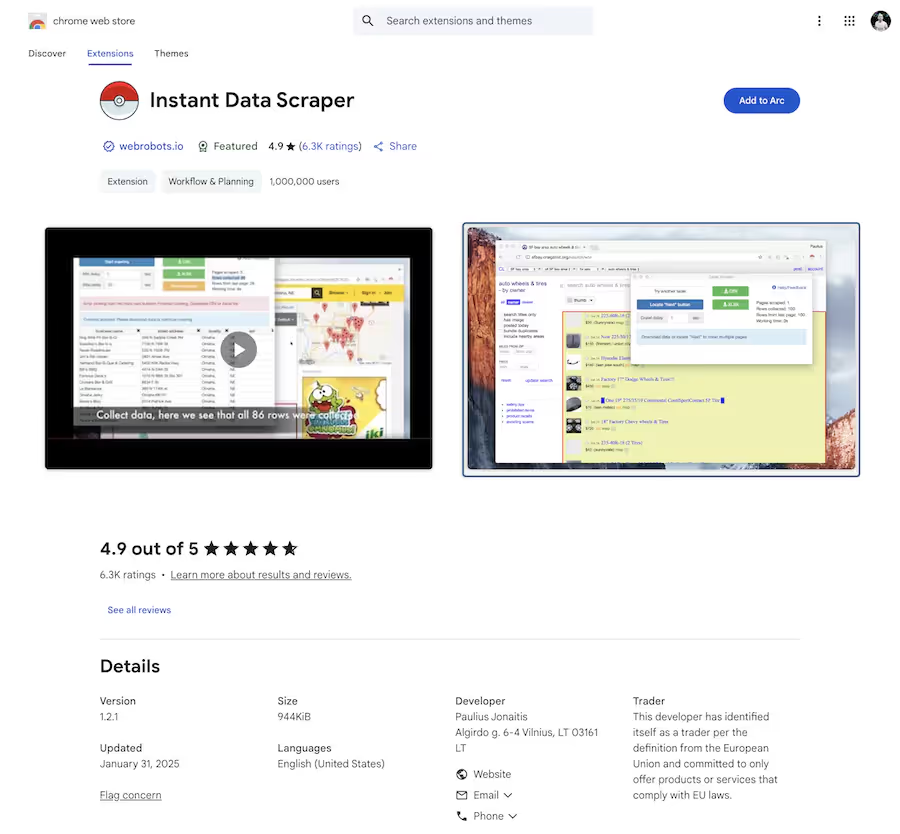
Octoparse offers a desktop app with many settings, ParseHub a similar visual approach, PhantomBuster focuses on social and sales automation and Bright Data targets large volumes with its proxy network.
Conclusion
Browse AI suits marketing, sales and e-commerce teams that need fresh web data without a developer. Start on the free plan with a few representative pages, measure credit usage, then pick the annual plan that matches your volume.
Is Browse AI free?
Yes. The Free plan is permanent: 50 credits per month, 2 domains, no credit card.
How much does Browse AI cost?
Personal is listed at $19/month billed annually and Professional at $69/month billed annually (checked 2026-11-28). Premium starts at $500/month.
Do I need coding skills?
No. Robots are created from a URL and AI-suggested columns. The API and webhooks remain available for technical users.
Can Browse AI monitor website changes?
Yes, on every plan. Each check uses credits and you set the frequency and the change threshold.
Is web scraping with Browse AI legal?
Scraping public data is often possible, but you must respect site terms, database rights and privacy laws such as GDPR for personal data.