.svg)
%2520(1).avif)


Updated on July 7, 2026 using Ollama documentation, pricing pages, the official model library, and the latest GitHub release. The English page is prepared as a Webflow draft and should be reviewed before publication.
What is Ollama?
Ollama is a local and cloud model runner for open and open-weight AI models. It lets you download models, run them on your own machine, expose a local API, and connect those models to apps, agents, coding tools, and document workflows.
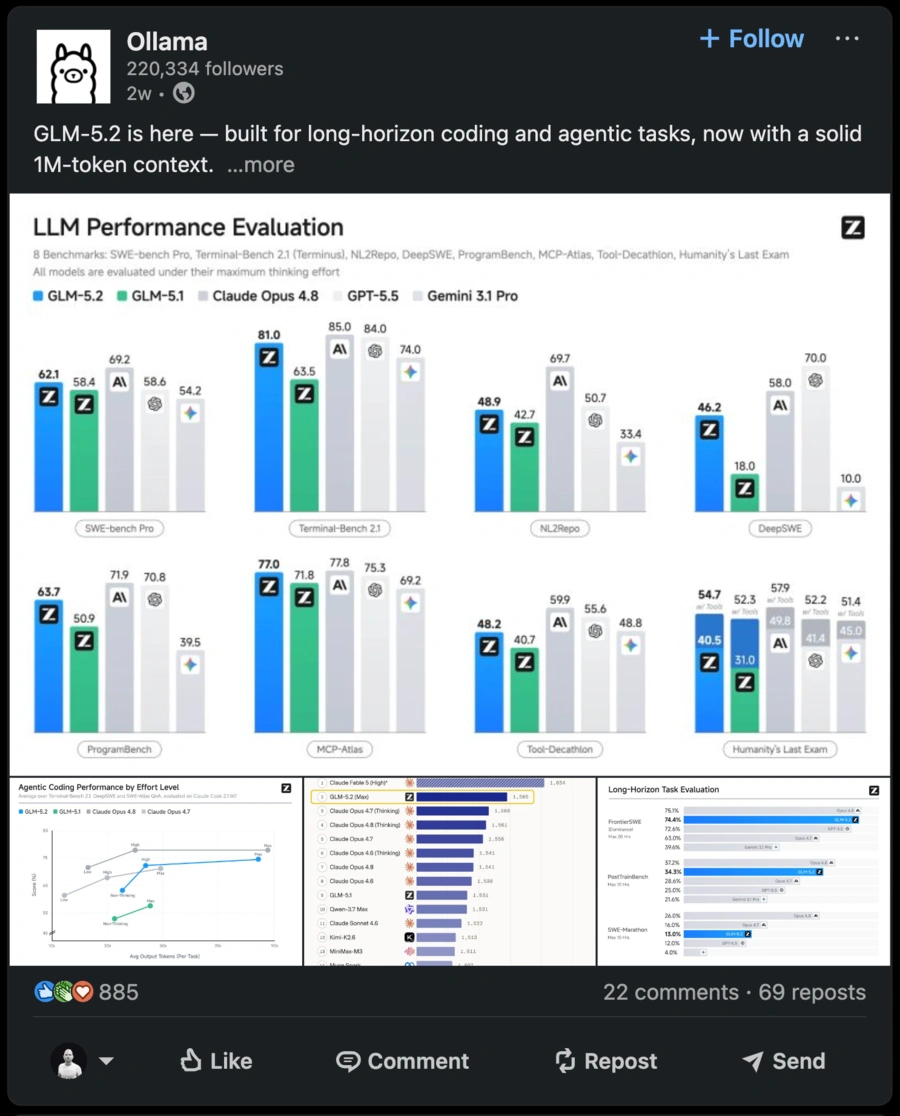
The key point is that Ollama is not a model by itself. It is the runtime and interface used to run models such as Llama, Gemma, Qwen, DeepSeek, Mistral, embedding models, vision models, and coding models.
In practice, Ollama is useful for private assistants, local RAG, AI code review experiments, secure first-pass feedback on proprietary source code, local agent workflows, and model evaluation before moving a workload to cloud infrastructure.
Our verdict on Ollama
Ollama is one of the best starting points for local AI in 2026. It makes the first model easy to run, keeps the API simple, and now spans local execution, desktop apps, integrations, and cloud access for larger models.
| Criterion | Our rating | Short take | Quick read |
|---|---|---|---|
| Setup | 9/10 | Fast installation on macOS, Windows, Linux, and Docker. | First model running in a few commands. |
| Local privacy | 9/10 | Local requests can stay on your machine when cloud features are disabled. | Strong fit for sensitive documents and offline work. |
| Performance | 7.5/10 | Excellent on the right GPU, variable on modest hardware. | The model size must match your RAM and VRAM. |
| Integrations | 9/10 | API, Docker, developer tools, agents, and many community integrations. | Easy to connect to local apps and workflows. |
| Beginner experience | 7.5/10 | Much easier than a manual inference stack, still technical in places. | Desktop apps help, but model choice still matters. |
| Business use | 7/10 | Powerful for prototypes and internal tools, but governance is on you. | Add authentication, logs, monitoring, and model controls. |
| Value for money | 9/10 | Local usage is free, while cloud plans cover larger models and concurrency. | Very cost-effective if you already have suitable hardware. |
Its main weakness is not the installation; it is the operational reality after installation. Model quality, speed, context length, memory usage, GPU support, and security all depend on your setup.
Setup and first use
Ollama is simple to start with. On supported systems, you can install it, pull a model, and run a prompt from the terminal or a desktop interface.
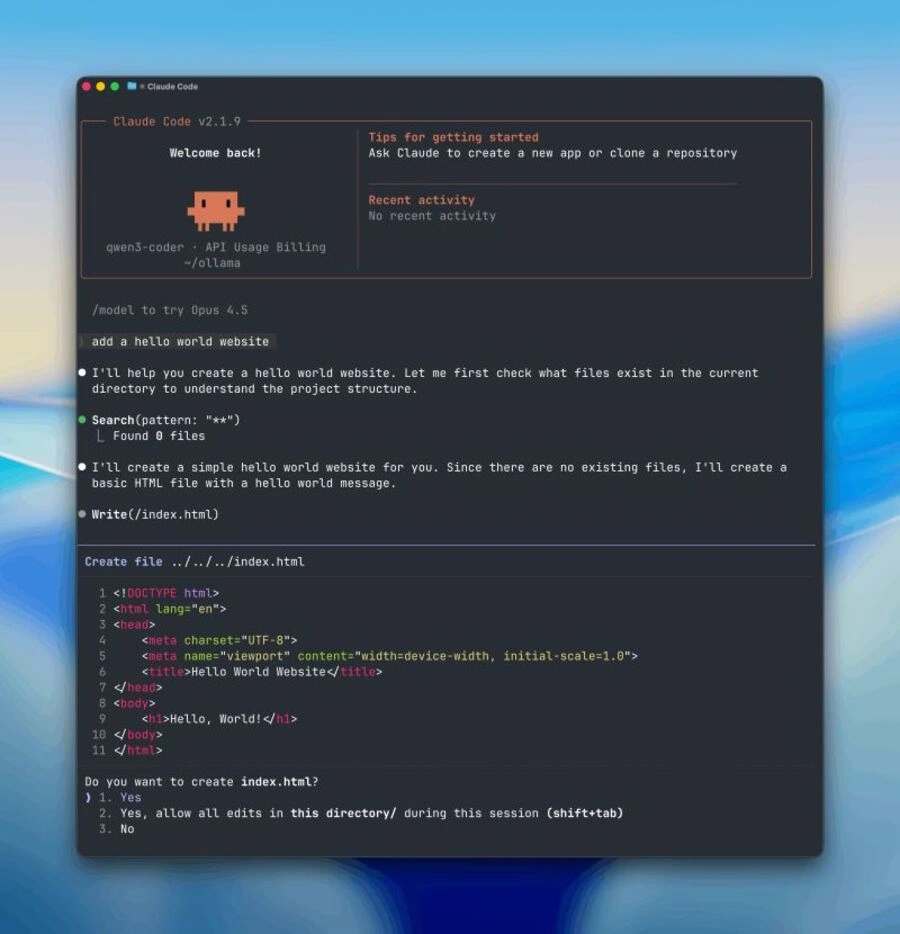
A typical first command looks like this:
ollama run gemma4
You can also use the local API from scripts and applications:
curl http://localhost:11434/api/chat
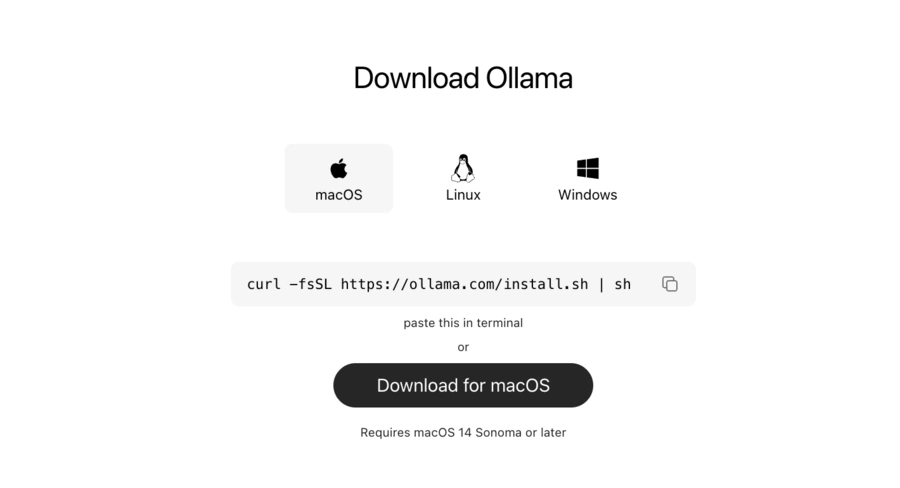
For beginners, the first run is smoother than setting up PyTorch, Transformers, llama.cpp, CUDA, quantization files, and an API server manually. For developers, the local API is the real advantage: it makes Ollama a reusable model layer for agents, internal tools, and experiments.
Hands-on user experience
The experience is strongest when you start narrow: one model, one use case, one machine, and one repeatable workflow. The most common mistake is expecting a small local model to behave like a frontier cloud model on every task.
Launching a first model
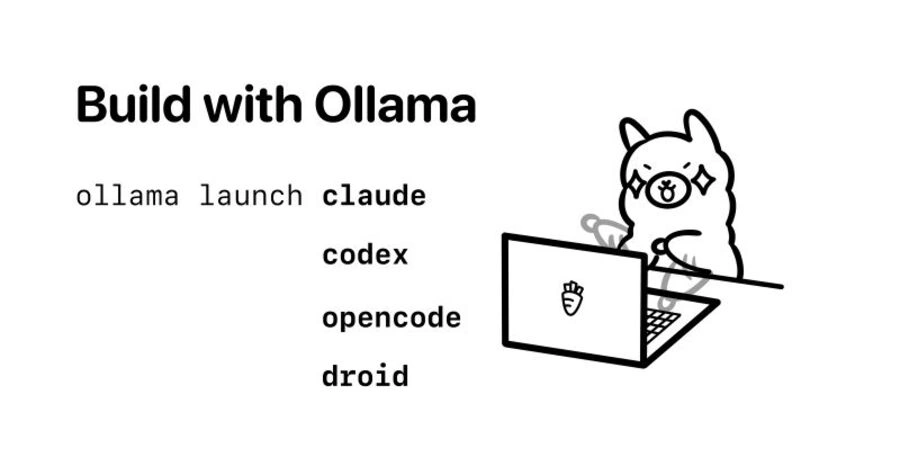
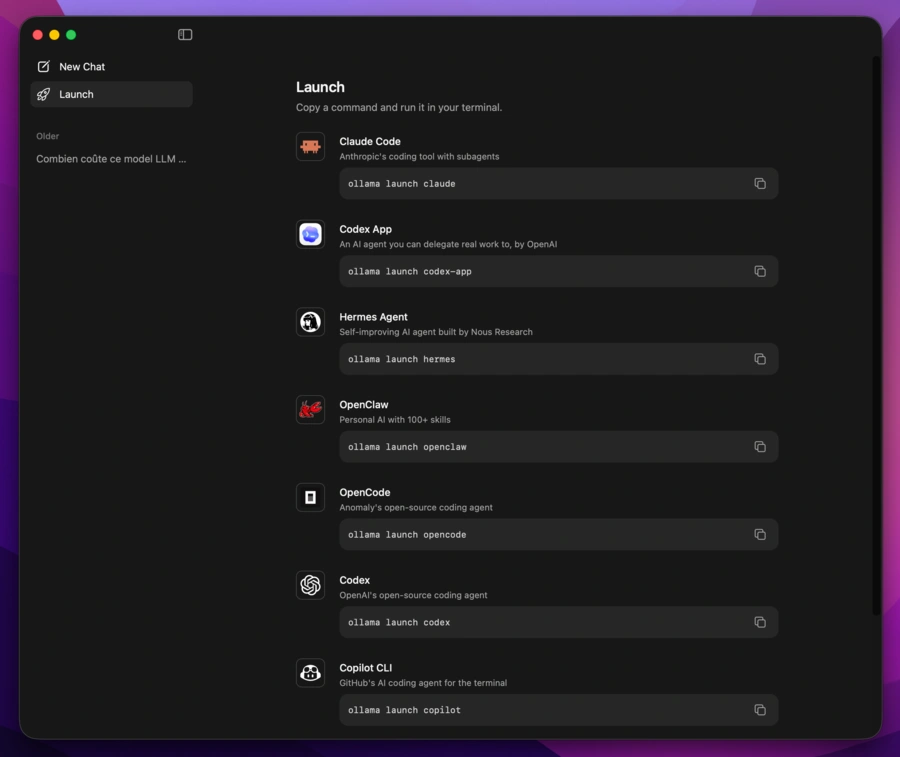
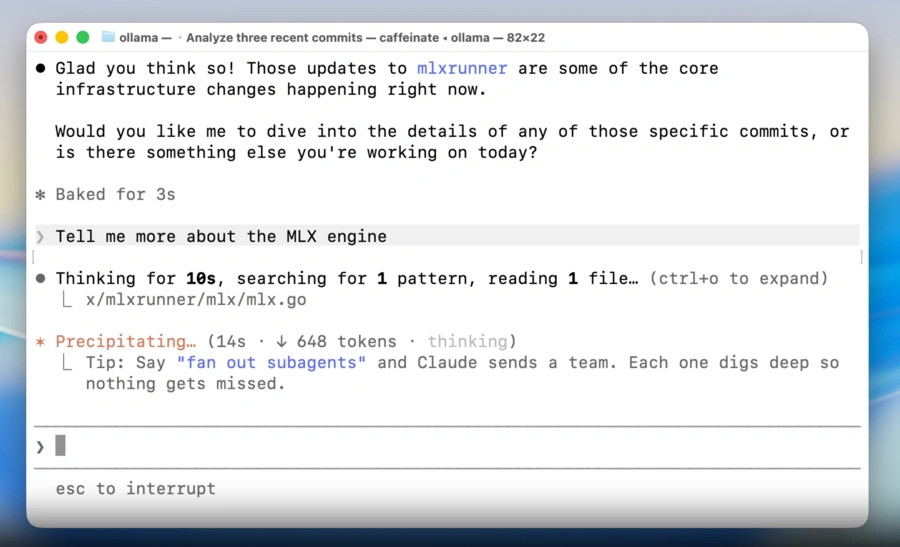
Ollama downloads the selected model, starts it, and exposes a chat or API workflow quickly. This is the product's biggest ergonomic win: you spend less time wiring inference infrastructure and more time testing whether the model is useful.
Using Ollama as a local server
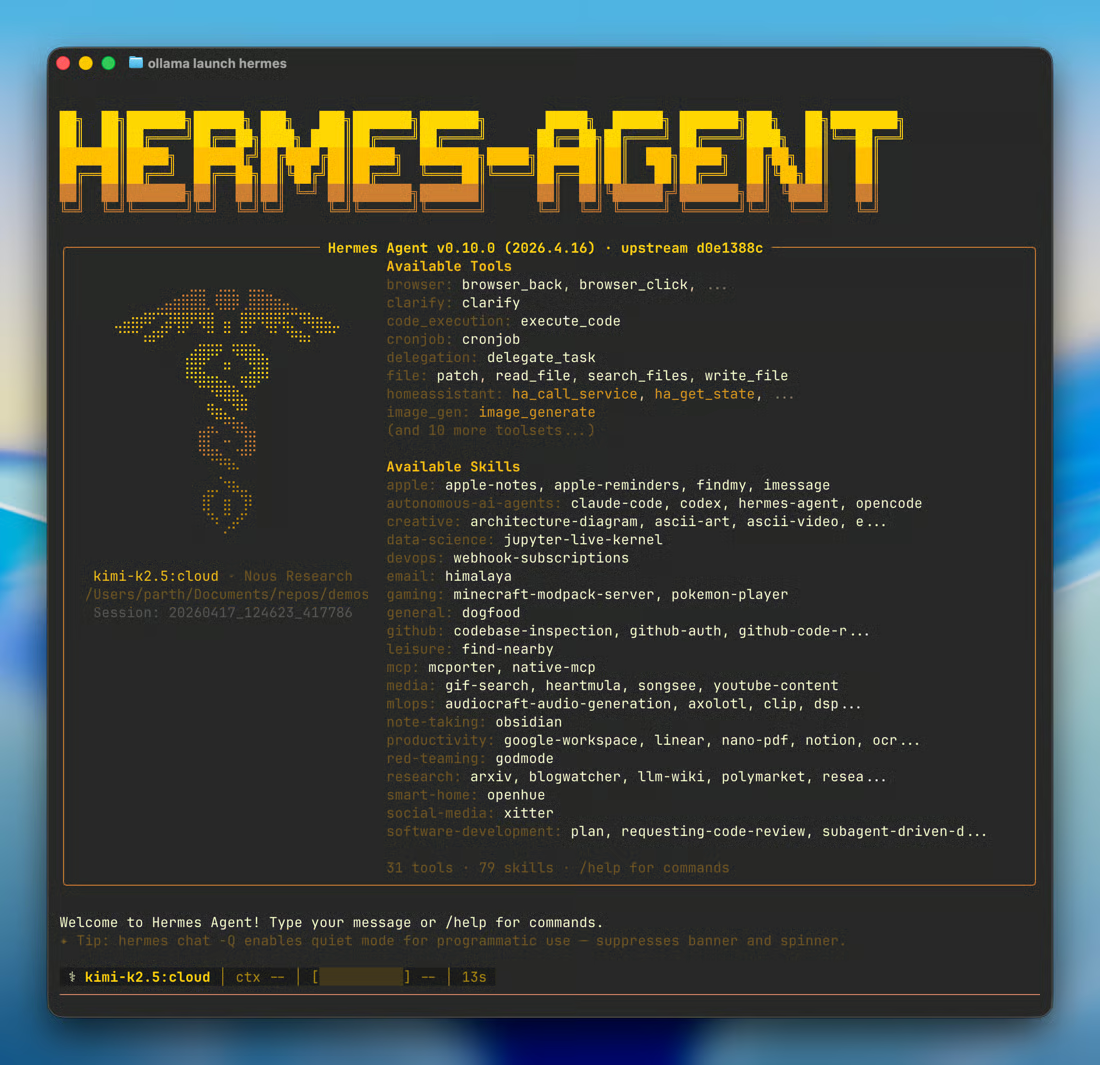
The API can connect to Python scripts, local apps, Open WebUI, AI agents, coding tools, document search systems, and automation workflows. This makes Ollama especially relevant for AI agents and AI code generator workflows.
Ollama can support AI code review use cases, but with an important caveat: Ollama is the model runtime, not a native pull request review platform. For GitHub integration, secure code review, or first-pass feedback on proprietary source code, you still need a surrounding tool, script, agent, or CI workflow.
Local, cloud, or self-hosted?
Ollama now spans three practical architectures: fully local execution, Ollama Cloud, and self-hosted server deployments. The right choice depends on privacy, hardware, model size, and concurrency.
| Architecture | Where it runs | Privacy | Best fit |
|---|---|---|---|
| Local Ollama | Your own workstation or laptop. | High when cloud features are disabled and the machine is secured. | Sensitive documents, offline work, personal assistants, local tests. |
| Ollama Cloud | Remote infrastructure managed by Ollama. | Remote processing; Ollama states prompts and responses are not logged or trained on. | Larger models, more speed, and cloud capacity without owning a GPU. |
| Self-hosted server | Your private server, GPU box, VPS, or internal infrastructure. | Depends on your access control, network isolation, encryption, and logging. | Internal API, shared GPU server, team prototypes, controlled infrastructure. |
If privacy is the main reason you are choosing Ollama, disable cloud features and avoid sending sensitive prompts to remote models. If model quality or speed is the priority, cloud models or a dedicated GPU server may be more realistic.
Models available in Ollama
Ollama's library includes general chat models, coding models, reasoning models, vision models, embeddings, and cloud-enabled models. Availability changes quickly, so the model catalog should be checked before a production decision.
| Model | Main strength | Useful detail | Example command | Best for |
|---|---|---|---|---|
| Gemma 4 | Reasoning, coding, agentic workflows, and multimodal tasks. | Cloud-enabled family with multiple sizes. | ollama run gemma4:12b |
Workstations, multimodal tests, and general productivity. |
| Qwen3.5 | General multimodal assistance, reasoning, coding, and tool use. | Includes small and large variants, with cloud options. | ollama run qwen3.5:9b |
General assistant workflows and model comparison. |
| GPT-OSS | Reasoning, agentic tasks, and developer workflows. | Open-weight models with cloud tags in the library. | ollama run gpt-oss:20b |
Structured reasoning and automated feedback loops. |
| DeepSeek-R1 | Reasoning, math, and logic-heavy tasks. | Family spans small distilled models and very large variants. | ollama run deepseek-r1:32b |
Problems where reasoning quality matters more than speed. |
| Qwen3.6 | Agentic coding and thinking workflows. | Useful for codebase and long-context experiments. | ollama run qwen3.6 |
Developers testing local or cloud coding assistants. |
| Qwen3-VL | Vision-language understanding. | Useful for screenshots, OCR, and document images. | ollama run qwen3-vl:8b |
Image analysis and multimodal workflows. |
| BGE-M3 | Embeddings and multilingual retrieval. | Useful for semantic search and RAG pipelines. | ollama pull bge-m3 |
Document search and private knowledge bases. |
The important warning is licensing. Ollama's core project uses its own license, but every model has separate usage terms. A model being available in the library does not automatically make it safe for commercial use.
Privacy and security
Ollama's privacy story is strongest when everything runs locally. In that setup, prompts do not need to leave the machine, and the system can work offline after models are downloaded.
Cloud is different. Ollama's current pricing page states that prompt and response data for cloud models is not logged or trained on, and that hosting partners are required to follow no-logging, no-training, and zero-retention policies. That is useful, but it is still remote processing.
For stricter environments, set cloud usage intentionally and consider disabling cloud features when sensitive data is involved:
OLLAMA_NO_CLOUD=1
The local API also needs care. Ollama commonly exposes a local service on port 11434. Do not expose that port to a network or the public internet without authentication, firewall rules, TLS, access restrictions, and logging controls.
Pricing and real cost
Local Ollama usage is free, but not costless. You still pay for hardware, storage, electricity, GPU upgrades, operations, and your own time. Ollama Cloud adds paid capacity for larger models and concurrent use.
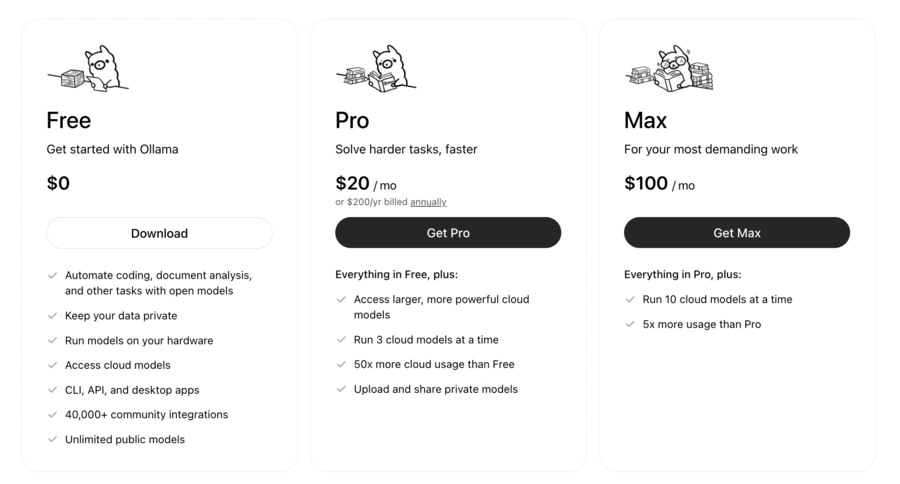
| Plan | Displayed price | Main features | What to remember |
|---|---|---|---|
| Free | $0 | Local models, CLI, API, desktop apps, public models, and light cloud access. | Best for getting started and running local AI on your own hardware. |
| Pro | $20/month or $200/year | Larger cloud models, 3 concurrent cloud models, and 50x more cloud usage than Free. | Best for regular work without a powerful local GPU. |
| Max | $100/month | 10 concurrent cloud models and 5x more usage than Pro. | Designed for heavy usage and parallel agent workflows. |
| Team | Coming soon | Shared usage, central billing, SSO, model access controls, MDM installer, and priority support. | Relevant for organizations that need governance and administration. |
Unlike simple token-based pricing, Ollama describes cloud usage in terms of infrastructure utilization and plan limits. That can be practical, but it is less transparent than a fixed price per million tokens.
Pros and cons
| Area | Pros | Cons |
|---|---|---|
| Privacy | Local execution and offline use are possible. | Security still depends on the machine, logs, and exposed services. |
| Setup | Fast installation and a friendly first-run experience. | Choosing the right model for your hardware can still be confusing. |
| Integrations | Simple API, Docker support, agents, apps, and many community integrations. | OpenAI or Anthropic API compatibility is not identical for every feature. |
| Code workflows | Can power local coding assistants, automated feedback, and secure first-pass review. | GitHub integration and pull request analysis require external tooling. |
| Cost | No per-request fee for local inference. | Hardware, electricity, maintenance, and cloud usage still matter. |
| Production | Good for prototypes and controlled internal services. | High-throughput serving may require vLLM, monitoring, and stronger operations. |
Best alternatives to Ollama
Ollama is not the only local AI option. The right alternative depends on whether you want a visual app, a low-level inference engine, document chat, or a production API server.
| Alternative | Strength | Main limit | Best for | Quick verdict |
|---|---|---|---|---|
| LM Studio | Polished visual interface and local API server. | Less terminal-first and less automation-focused. | Beginners and visual model exploration. | Most approachable no-code local AI app. |
| Jan | Open-source desktop assistant experience. | Smaller integration ecosystem. | Private chat with local models. | Good open alternative for conversations. |
| GPT4All | Easy local document chat. | Less flexible for custom infrastructure. | Non-technical users and document search. | Useful for personal knowledge workflows. |
| llama.cpp | Fine control, lightweight engine, hardware optimizations. | More technical setup. | Embedded inference and low-level tuning. | Best foundation when you need maximum control. |
| vLLM | High throughput on GPUs and efficient concurrent serving. | More demanding infrastructure. | Production APIs and multi-user workloads. | Better fit for serving models at scale. |
| LocalAI | Self-hosted API across text, image, audio, and embeddings. | More components to configure. | Private AI platform experiments. | More complete, but also more operationally demanding. |
Final verdict
Our Ollama review is very positive for developers, makers, and teams that want control over local AI models, data privacy, and infrastructure cost. Few tools make the path from model download to usable local API this short.
Ollama does not magically turn an average laptop into unlimited compute. Performance still depends on VRAM, quantization, context length, drivers, model architecture, and whether you are using local or cloud models.
Choose Ollama if you want a practical, developer-friendly runtime for local AI, self-hosted AI, private document workflows, or cost-effective model experimentation. Choose a more managed platform if you need enterprise support, strict administration, or guaranteed throughput from day one.
For broader context, compare it with our guides to AI agents, AI code generators, Claude vs GPT vs Gemini, and tools such as Claude or Hermes Agent.